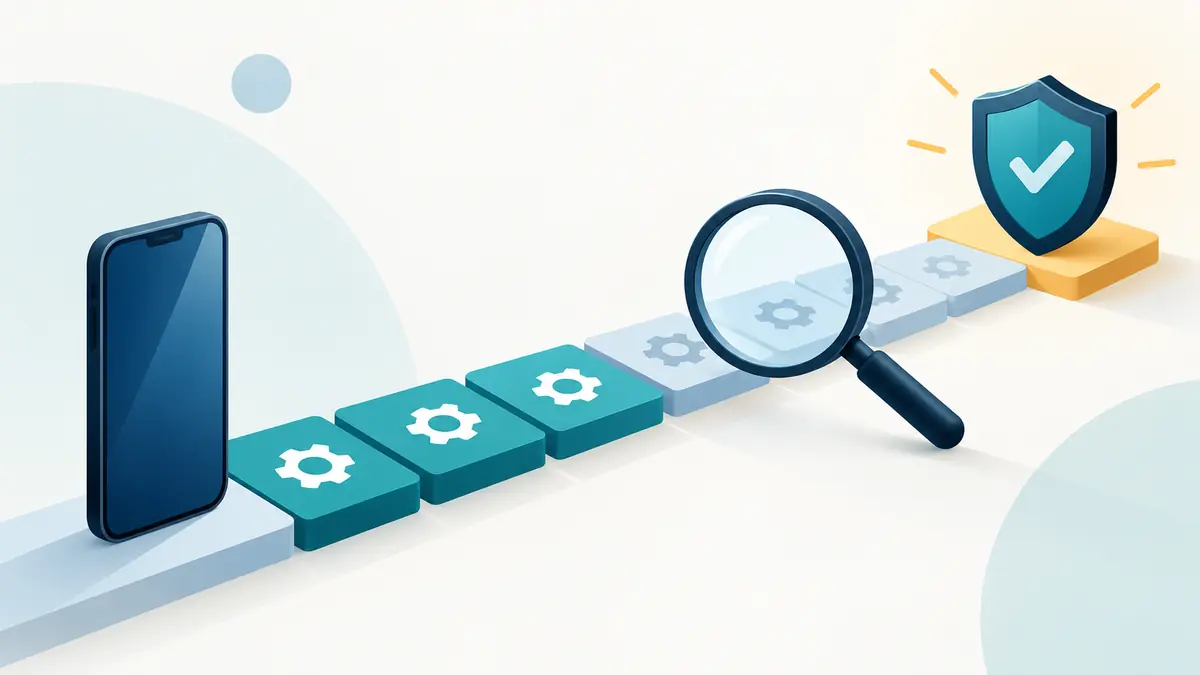
How to Check How Many Years of Updates a Phone Has Left

The update promise printed at launch is not the number of supported years a phone has left today. A model advertised with seven years of updates can offer only four remaining years if it has already spent three years on the market. A used phone’s price makes sense only after that remaining time is calculated.
The calculation sounds simple, but policies use different starting dates, separate operating-system upgrades from security fixes, and sometimes vary by model or market. This guide shows how to build a support timeline from primary sources without relying on a retailer’s vague “updateable” label.
Define what “updates” means
Record at least three forms of support separately:
- Operating-system version upgrades move a phone to a newer major Android or iOS release.
- Security updates address vulnerabilities and may continue after major upgrades stop.
- App and service compatibility is set by individual developers and platforms, not only the phone manufacturer.
A promise of four Android upgrades is not necessarily the same as four calendar years of security patches. Conversely, a phone may stop receiving major features while still receiving security maintenance. Do not compress both commitments into one number unless the maker does.
Feature drops, interface changes, and manufacturer app updates form additional layers, but they are less useful for a basic secure-life estimate. Start with the end of official security support because that is the clearest boundary for primary-phone use.
Step 1: identify the exact model
Open the phone’s About screen and record the model name, model number, region or carrier variant, and current operating-system version. If the phone is not available, ask the seller for a photograph of that screen with personal identifiers obscured. A box label can also help, but it may not prove that the device inside matches.
Do not rely on a family name such as “Galaxy A” or “iPhone Pro.” Product families repeat annually, and one generation can contain several sizes or regional chipsets. A policy may cover one member differently from another. Refurbished listings sometimes combine generations in a selector, so read the chosen option rather than the page title.
For Android devices, note the security patch level shown in settings. On an iPhone, record the installed iOS version and compare it with Apple’s current security releases. This confirms the phone’s current state; it does not by itself reveal the promised end date.
Step 2: find the manufacturer’s policy
Use the manufacturer’s official support or security site. Search the exact model plus terms such as “software update policy,” “security update scope,” or “update support.” Prefer a page that names devices and explains the commitment. A launch press release can be useful when the general policy has changed since that model was introduced.
Google publishes a Pixel software-update policy that lists support by model. Samsung maintains a security-update scope page and publishes announcements for longer-term commitments on eligible series. Apple provides a security-releases page showing which iOS versions and devices receive individual releases, but it does not market a simple fixed-year guarantee for every iPhone in the same style as some Android makers.
If the only evidence is a store listing, forum answer, comparison site, or automated snippet, treat the date as unverified. Those sources can point toward the right document, but the manufacturer’s current page should settle the calculation.
Step 3: find the policy’s starting point
Read the wording around the duration. “Seven years from first availability” creates a different date from seven years after the owner activates the phone. Support clocks commonly begin around launch or first retail availability, not the day a later buyer opens the box.
Write down the relevant start date and cite where it came from. If a maker promises a number of operating-system generations instead of years, do not invent an exact calendar endpoint. Estimate a range based on the release cadence and label it as an estimate.
Consider regional release dates carefully. A model may launch in one market months before another. Unless the policy clearly uses local availability, use the manufacturer’s stated rule rather than choosing the date that produces the most attractive result.
Step 4: calculate the remaining runway
For a calendar commitment, the basic equation is:
Expected security-support end date − purchase date = remaining supported time.
Suppose a phone first went on sale in October 2024 with security support through October 2031. A purchase in October 2026 offers about five years of stated runway, not seven. If the buyer expects to keep it for four years, there is roughly a one-year margin. If the buyer expects six years, the support policy is shorter than the ownership plan.
Use months, not just years, when two options are close. A phone supported until January 2030 has far less time left in December 2029 than the label “supported through 2030” may imply.
Step 5: verify actual update delivery
A policy is a commitment; the phone in front of you should also be receiving updates. Compare its patch level or iOS version with current official releases for that model. Check manually for an update while connected to power and a trusted network.
An old patch date does not always prove abandonment. Updates can roll out in stages, and a carrier variant may follow a different approval path. A phone with too little free storage, an exhausted battery, or an interrupted installation can also lag. Ask the seller to update it before purchase, or budget time to troubleshoot.
A device advertised as new may have sat in inventory for a year. That does not pause its support clock. It may require several updates on first setup and still have less remaining runway than a newly released model.
Step 6: check app requirements
Make a short list of critical apps: banking, work management, authentication, transit, health, communication, and payment. Review their current minimum operating-system requirements in the official app store or developer documentation. This will not predict the exact date they will raise those requirements, but it exposes an option that is already close to the line.
For example, a supported security branch can remain safe enough for the maker to maintain while a particular work app requires the latest major version. The phone’s useful support for that owner ends when the required job becomes impossible, even if general patches continue.
Also check accessories and connected services. A hearing device, car system, watch, drone controller, or security key may depend on a certain Bluetooth feature or app version. “The phone is supported” does not promise compatibility with every surrounding product.
How to handle Apple’s less fixed timeline
For an iPhone, start with Apple’s current iOS compatibility list and security-releases page. Check whether the exact model receives the latest iOS release and whether older branches are also receiving listed fixes. Review Apple’s service classification because hardware parts availability is a separate ownership limit.
Avoid claiming that a past pattern guarantees a future number of years. Historical support can inform an estimate, but it is not the same as a contractual promise. If comparing with an Android phone that has an explicit end date, label the iPhone result as an evidence-based range rather than presenting both figures as equally certain.
For a conservative buying decision, count only time that is supported by current official documentation. Treat any additional year as a possible benefit, not value already purchased.
Monthly, quarterly, and occasional schedules
Some manufacturers group supported Android models by update frequency. A quarterly phone is not necessarily unsupported, but it spends longer between scheduled patch bundles than a monthly model. Device age can lead to a move from monthly to quarterly delivery before the final end date.
Read the scope page’s notes. Lists can change, and timing may vary by market, carrier, or chipset. Record both the promised endpoint and expected cadence. A company-managed device may require a frequency that a personal owner would accept less strictly.
Security patch dates can also represent a bundle level, not the literal day the phone received it. The displayed date helps compare coverage; it should not be read as a shipment timestamp.
Common mistakes that overstate support
- Counting from purchase: a late purchase does not restart a launch-based policy.
- Using the newest model’s promise: a manufacturer may improve support without applying it retroactively.
- Counting app updates as system support: current apps do not prove that firmware is maintained.
- Assuming all regional variants match: delivery and eligibility can differ.
- Treating one surprise patch as a new policy: an exceptional fix does not promise continuing maintenance.
- Using a major-version number alone: two phones on the same Android version can have different patch levels and vendor support.
Build a one-page support record
For each candidate, record the exact model, launch or first-availability date, official policy link, security end date or estimated range, major-upgrade commitment, current patch level, app constraints, and intended ownership end date. Save a dated copy or screenshot of the policy because pages change.
Add a confidence label. “High” can mean the maker states an exact model and date. “Medium” may mean a clear number of years with a known start. “Low” applies when the estimate depends mainly on history or third-party reporting. This prevents a precise-looking spreadsheet from hiding weak evidence.
The record also helps at resale. A future buyer can see what was promised, what remains, and when the information was checked.
Use support in the price comparison
Divide the complete purchase cost by supported years remaining. Include required accessories and an immediate battery replacement if relevant. A $350 phone with three secure years left costs about $117 per supported year. A $500 phone with six years left costs about $83 per supported year, before resale value or repairs.
This does not make the second phone automatically better. Camera quality, repair costs, storage, and performance still matter. It does reveal when an older discount disappears after the remaining-support clock is considered.
If the model is already out of support, read what changes when a phone stops receiving security updates before assigning it a normal primary-phone role.
The practical answer
To find how many update years a phone has left, identify the exact model, separate security maintenance from major upgrades, locate the maker’s primary policy, determine when its clock began, and subtract the purchase date from the supported endpoint. Then verify that the actual phone is current and that essential apps still accept its operating system.
The result should be a date or a clearly labeled range, not a slogan. Remaining support is inventory that gets consumed while a phone sits on a shelf. Count what is left when you buy, and compare it with how long you intend to keep the device.
Record the type of promise before counting the years
Pixel 9a and Nothing Phone (3a) reviews provide useful examples of support wording that should be kept distinct. A time period for security updates does not automatically specify the number of Android upgrades. Likewise, a commitment beginning around a model’s release does not restart when a later owner buys it.
In your existing support record, add the exact wording and the date you checked it. Mark an unpublished deadline as unknown rather than inventing one. Check again before a used purchase or an expensive repair, particularly if the published cadence has changed. That turns a one-time search into a decision tool and makes it easier to explain why two devices with similar advertising may have different remaining ownership value.
| Keep in your decision record | What to write down |
|---|---|
| Promise type | Separate OS versions, security period and update cadence. |
| Time reference | Record the applicable release timetable or stated end date. |
| Unknown detail | Leave uncertainty visible until it is resolved. |
Apply the guide to a real shortlist:
Updated October 10, 2026: added a practical application and decision record. This documentation-based guide uses estimates where stated; individual condition, repair costs and regional support vary.