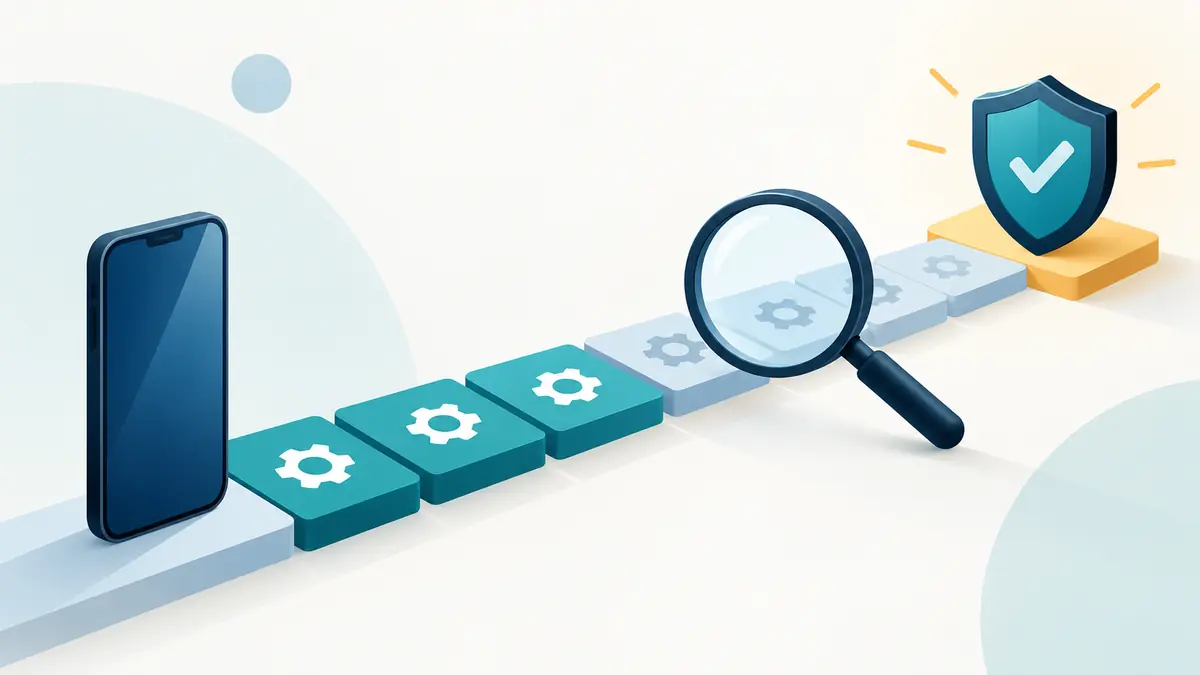
What Happens When a Phone Stops Receiving Security Updates?
A phone does not stop working when its final security update arrives. Calls still connect, photos still open, and familiar apps may continue for months or years. That ordinary behavior is exactly why the end of support is easy to ignore.
What changes is not the phone’s ability to turn on. The change is that newly discovered weaknesses may no longer be fixed for that model. Over time, the gap between known threats and the device’s defenses can widen. The right response depends on what the phone does, what data it holds, and whether the maker has actually ended support rather than simply delayed one update.
Security updates are different from feature updates
A major operating-system release may bring a new interface, camera tools, or privacy controls. A security update addresses vulnerabilities in the operating system, kernel, drivers, wireless components, browser engine, or manufacturer software. The two types sometimes arrive together, but losing eligibility for a new feature version does not always mean security maintenance has ended that day.
On Android, responsibilities are divided. Google publishes Android security bulletins and updates components it controls, while the device maker integrates fixes for the hardware and its own software. Chip suppliers and carriers can also affect delivery. Google Play system updates can refresh certain modular components independently, but they are not a replacement for complete device firmware support.
Apple distributes iOS updates for supported iPhone models and lists security content for releases. Apple sometimes issues fixes for an older branch, yet that should not be interpreted as a guaranteed schedule for every old model. A buyer needs the maker’s stated policy and the update status of the exact device.
What happens on the first unsupported day?
Usually, nothing visible. A final patch does not expire at midnight. The phone retains the protections it already received, and many online services add their own security controls. Unsupported does not mean immediately compromised.
It does mean the future has changed. If researchers or attackers find a new flaw that affects the phone, the manufacturer may not provide a correction. One weakness may require physical access and have little relevance to an ordinary owner. Another may affect a browser, messaging component, image decoder, modem, or system service that handles untrusted data. The label alone does not describe the risk; it describes the absence of an expected repair channel.
Risk therefore accumulates unevenly. Months may pass without a publicly known issue that matters to a particular use. Several serious flaws may also appear close together. A person cannot safely infer “no problem” from the fact that the home screen still looks normal.
Apps do not all stop together
Application support has its own clock. A bank, password manager, employer, game, or messaging service may set a minimum operating-system version. One app may continue while another refuses an update. A service can also block older devices through a server-side policy even when the installed app still opens.
Web browsing may extend access because a service has a mobile website, but that does not remove the underlying platform concern. Browsers themselves require updates, and embedded web components used inside apps can be important. On some platforms, multiple browsers share system-provided technology; installing a different icon is not necessarily a separate security path.
Eventually, an unsupported phone may be unable to install current app versions. The owner then faces two layers of aging: an unpatched operating system and applications that no longer receive fixes or compatibility work.
Account protections still matter
Strong account security remains useful on an older phone. Unique passwords, a reputable password manager, multifactor authentication, recovery information, and alerts for new sign-ins can reduce damage from stolen credentials. Keeping apps current and uninstalling abandoned software also removes avoidable exposure.
These steps do not “make up” for a missing operating-system patch. An account setting cannot repair a vulnerable device driver. Treat them as separate defenses. Improving one layer is worthwhile without claiming it restores support to another.
How the phone is used changes the decision
A primary phone is a concentrated identity device. It may receive password resets, store authentication tokens, access financial accounts, display private messages, track location, and connect to an employer. Continued use after security support ends carries more consequence than using the same hardware as an offline music player.
Consider four roles:
- Primary personal phone: replacement should be planned promptly because the device connects identity, communications, payments, and recovery channels.
- Work phone: follow the employer’s device policy. Regulated or confidential work may require supported hardware regardless of personal risk tolerance.
- Child’s or family spare phone: examine messaging, location, purchases, school accounts, and supervision. “Only for a child” does not mean no sensitive data.
- Offline or tightly limited device: a calculator, music player, camera, alarm, or local controller can have a longer useful life when accounts, untrusted files, and network access are removed.
The word “offline” should be literal. A device that still joins Wi-Fi, receives messages, installs apps, or connects to a computer is not merely an offline appliance.
How to confirm that support has ended
Start with the manufacturer’s support page for the exact model and region. Search by model number, not the marketing family alone. Similar names can cover devices released in different years. For Android, note whether the promise specifies operating-system upgrades, security updates, or both, and whether the period begins at announcement, retail availability, or another date.
On the phone, record the operating-system version, security patch level, and last successful update. Then compare those details with the manufacturer’s current documentation. A missing update does not prove end of support; staged rollouts, carrier approval, storage shortages, battery level, network settings, and temporary pauses can delay delivery.
If the maker still lists the model as supported, troubleshoot before replacing it. Restart, connect to reliable power and Wi-Fi, free adequate storage, and use the official update instructions. Avoid random firmware downloads. Installing an image for the wrong regional or carrier variant can create a larger problem.
What about custom operating systems?
An aftermarket operating system can extend software life for some phones, but it is not a universal answer. Support quality depends on the project, maintainer, exact model, locked or unlockable bootloader, hardware drivers, verified-boot behavior, and how quickly critical fixes are integrated. Banking, media, work-management, and contactless-payment apps may not work as expected.
Unlocking a bootloader normally erases data and may change the device’s security state. Relocking incorrectly can make a device unusable. Owners considering this route should read the project’s documentation for the exact model, understand the maintenance cadence, and accept that they are taking responsibility normally carried by the manufacturer. An unofficial build with an old vendor layer is not automatically safer because its Android version number is newer.
Can antivirus software solve the problem?
Security applications can identify some malicious apps, unsafe links, configuration problems, or known files. Platform restrictions limit what any mobile app can inspect and repair. It cannot patch an unsupported kernel, modem, boot chain, or proprietary driver.
Be cautious with products that promise to make an obsolete phone “fully secure.” No single app can guarantee that. The more useful question is what exact layer the tool protects and whether its own app still supports the installed operating system.
A sensible transition plan
Do not wait for the old phone to fail before preparing. Confirm that contacts, photographs, authenticator accounts, notes, and messages are backed up in a form you can restore. Check how each important account handles device changes. Some authenticators require an export or cloud backup; some financial apps require fresh verification.
When choosing a replacement, compare remaining support from the date of purchase rather than counting only the policy advertised at launch. A three-year-old model with a seven-year promise may have less runway than a new midrange phone with a shorter headline commitment. Our separate guide explains how battery, hardware, and software determine a smartphone’s useful life.
Keep the old phone until the new one has been tested, but remove sensitive roles afterward. Transfer the phone number or eSIM correctly, test recovery codes, verify backups, sign out where appropriate, remove payment cards, disable device-finding only at the proper stage, and use the manufacturer’s erase procedure before sale or recycling.
If replacement is not possible immediately
Reduce exposure while making a realistic plan. Remove financial and work accounts if alternatives exist. Do not install apps from unknown sources. Keep every still-supported app updated. Use a current, secure device for password changes and sensitive transactions. Avoid public charging arrangements that require data connections, and do not bypass browser warnings.
Turn off radios and services that are not needed, but understand the limit of this step. Bluetooth off does not fix an unpatched browser; avoiding public Wi-Fi does not fix a malicious attachment. Risk reduction is useful, not absolute.
Set a replacement date and budget. An indefinite “I will be careful” policy tends to become permanent. A calendar deadline tied to income or a product release creates a safer exit than waiting for an obvious attack.
Does resale remain ethical?
An unsupported phone may still have value for parts, repair practice, trade-in, collection, or a clearly limited offline role. Problems arise when a seller presents it as a normal secure smartphone without disclosing support status. State the exact model, battery condition, damage, carrier or activation locks, and known update position.
Factory-reset the device through official instructions and confirm that account locks have been removed only after protecting your data. Recycling through a responsible program may be more appropriate when the battery is damaged, the device cannot be erased, or demand depends on hiding its limitations.
Check the battery and repair situation at the same time
Software support should not be evaluated in isolation. If the phone needs an expensive screen or battery replacement just as security maintenance ends, the combined case for replacement becomes stronger. If the hardware is healthy and the maker has extended support, keeping it may be reasonable.
Ask whether a repair would preserve water-resistance claims, whether genuine parts and calibration are available, and how much supported time would remain afterward. Spending heavily on an unsupported primary phone can be poor value even when the repair itself is technically successful. Conversely, a modest battery replacement may be worthwhile when several secure years remain.
The practical answer
When security updates end, a phone does not instantly stop. It loses the dependable expectation that newly discovered platform flaws will be repaired. App compatibility may then narrow on a separate schedule, while account and hardware risks continue normally.
For a primary phone carrying financial, work, identity, or recovery data, the end of security support is a strong reason to replace it in a planned and orderly way. For a genuinely offline task, the hardware may remain useful much longer. The honest decision starts by confirming support from the maker, defining the phone’s role, and refusing to confuse “still turns on” with “still maintained.”
Separate a device’s condition from the role it can still fill
When planning replacement, reviews of a Pixel 9a or Galaxy A56 5G can help compare supported alternatives, but start by writing down the role of the old phone. Important accounts, applications and connections create different requirements from a limited offline task. A healthy battery does not restore missing security maintenance.
If you retain the old device for a narrower role, document that role and review it when software requirements or connectivity needs change. Do not describe a reduction in use as equivalent to current security support. Before transferring or selling it, disclose the support situation and handle account removal and personal data carefully. The ownership decision should be understandable to the next user as well as to you.
| Keep in your decision record | What to write down |
|---|---|
| Required role | List essential accounts, applications and connections. |
| Support status | Record the model’s current published maintenance position. |
| Revisit trigger | Reassess when the role or software requirements change. |
Apply the guide to a real shortlist:
Updated October 10, 2026: added a practical application and decision record. This documentation-based guide uses estimates where stated; individual condition, repair costs and regional support vary.