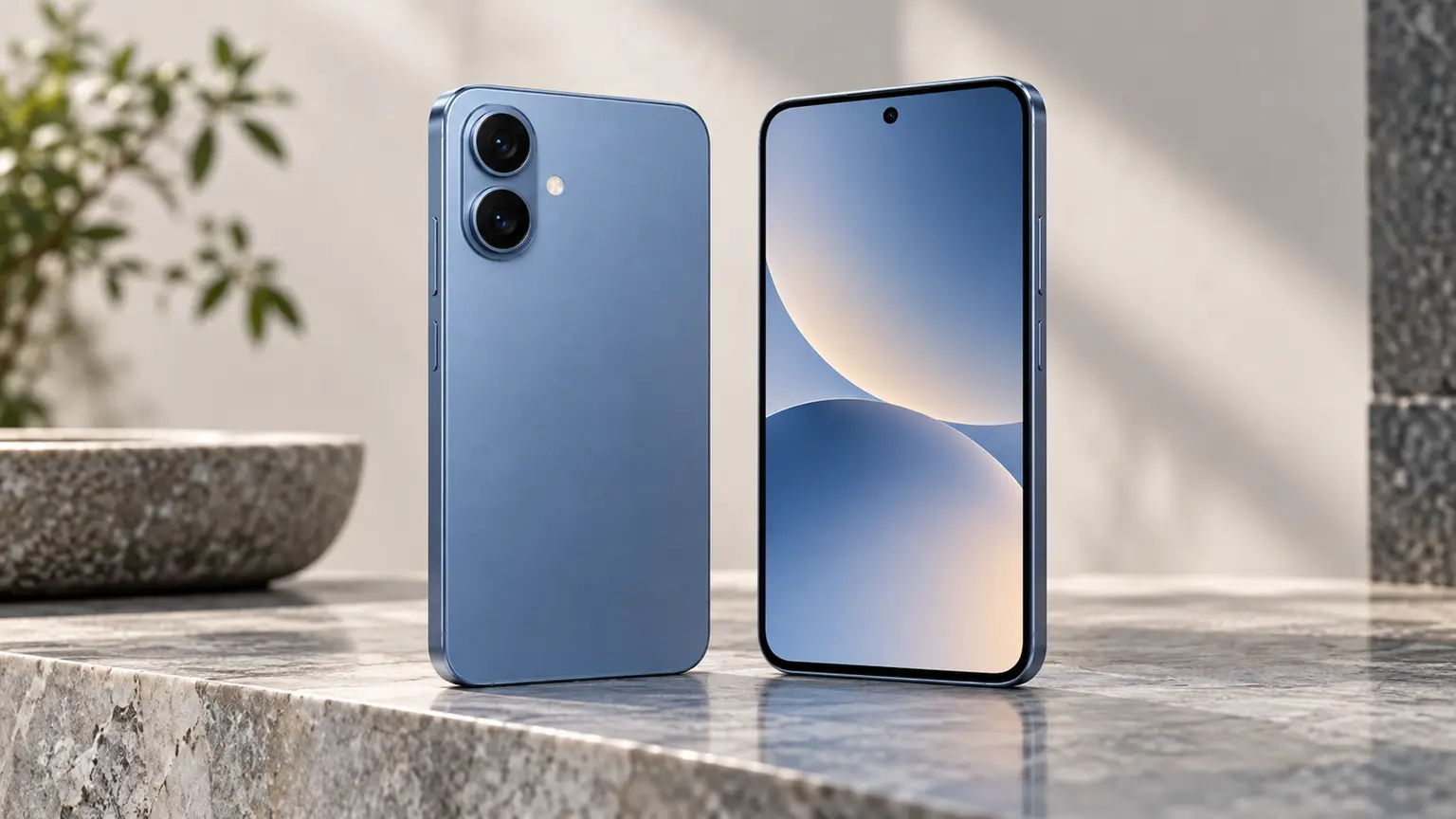
Nothing Phone (3a) Ownership Review: Separate Android Upgrades From Security Support
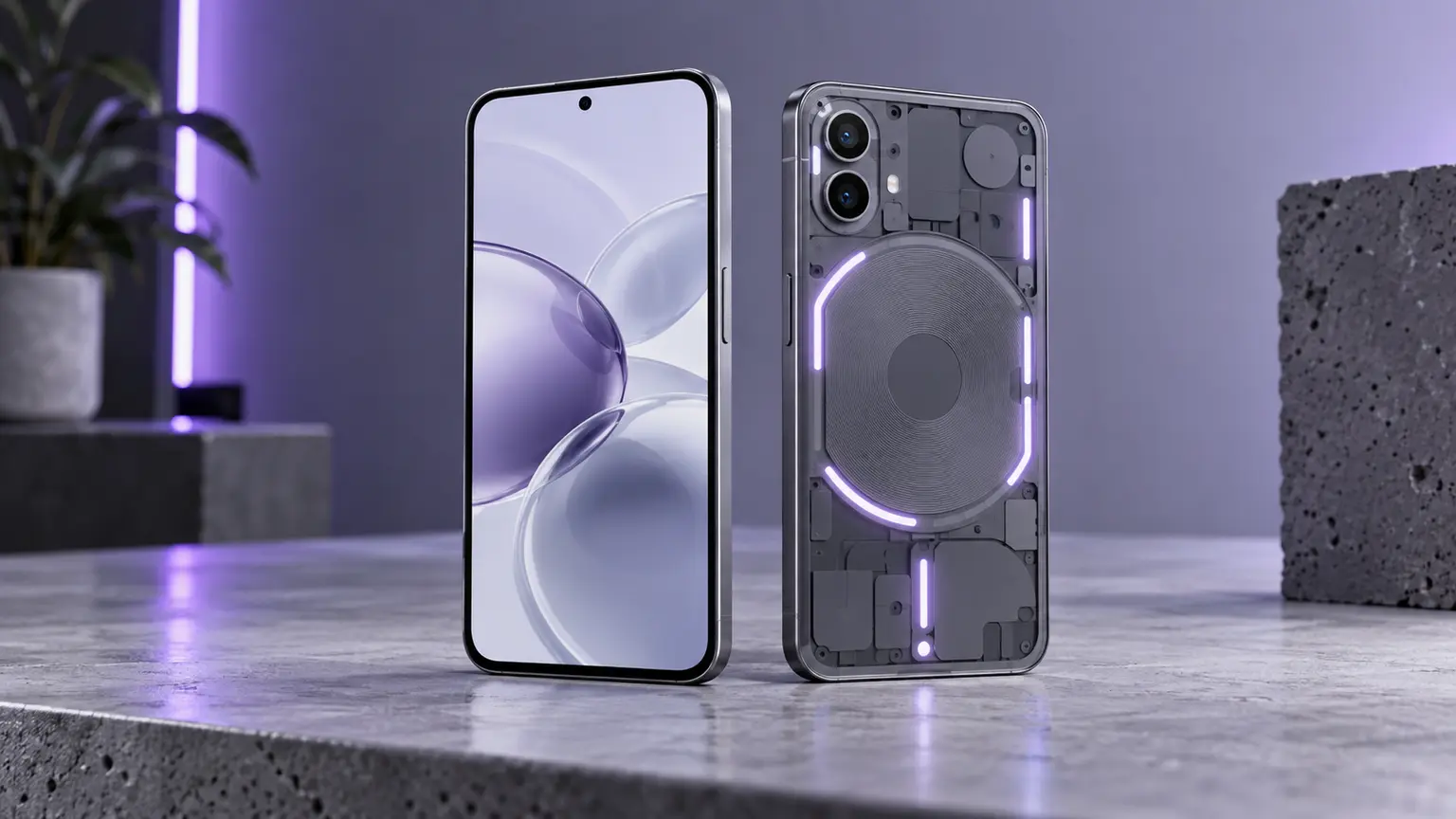
The Nothing Phone (3a) is worth evaluating as a discounted Android option if you like its software approach and the exact offer suits your storage, repair and warranty needs. Its published support policy also illustrates an easy buying mistake: the Android-update period and the security-maintenance period are different promises. A seller who says six years of updates may be describing only part of the policy.
Nothing’s published European Phone (3a) specifications list three years of Android updates and six years of security patches. This review uses that published policy and product information for an ownership assessment. It does not claim hands-on performance, photography or battery measurements, and the Phone (3a) Pro is a separate model.
What changes after the final major Android upgrade
Major platform upgrades can add features and change the Android version on which applications depend. Security maintenance addresses known weaknesses within the supported software arrangement. A phone can therefore continue receiving security fixes after its final promised major Android upgrade. That may be acceptable for your apps, but it should be understood before purchase.
The relevant question is not whether one promise sounds smaller than another in isolation. List your essential apps and the planned years of ownership, then check the support arrangement against that use. Do not convert a duration into a guaranteed number of future Android versions unless the current policy explicitly makes that commitment. Someone who wants several future platform generations has a different requirement from someone who needs a stable, supported phone for a shorter period. Neither should rely on a seller’s shortened slogan.
Count the years remaining on a discounted unit
The support clock does not restart for old stock or a used phone. Record the model’s initial availability and the support period beside the purchase date. For a precise deadline, verify the current policy for the exact region and model rather than rounding an advertised year count into a guarantee. A clear support calendar is more useful than an update number detached from dates.
This distinction also prevents confusion with similarly named later phones. Compare the full model name, storage and regional variant on the invoice and in the device settings. Photographs of a box or a family resemblance do not establish that the phone follows the policy you researched. The 3a and 3a Pro should not share an automatically copied specification table.
Physical RAM and a RAM booster are different
Nothing’s product material lists the Snapdragon 7s Gen 3 and uses RAM-booster marketing alongside the actual configuration. Buyers should record installed physical RAM separately from any storage-backed memory feature. Adding storage-backed working space is not the same as installing additional physical memory, and a combined marketing number should not decide a comparison on its own.
For normal buying, focus on the apps that must remain responsive together. A messaging app, browser and map workload differs from gaming while recording and switching between several demanding apps. This review does not produce a speed score for either scenario. Test your particular workload during the return period, with normal updates installed and enough storage free.
| Published term | What to record separately | Buying implication |
|---|---|---|
| Android version updates | Documented update period and any explicit version commitment | Helps compare platform longevity |
| Security support | Duration and start of the support clock | Helps plan supported ownership |
| RAM booster | Installed physical RAM and feature allocation | Prevents comparing unlike memory numbers |
| Storage option | Capacity of the delivered variant | Determines room for future files and updates |
Repair availability is the practical long-term test
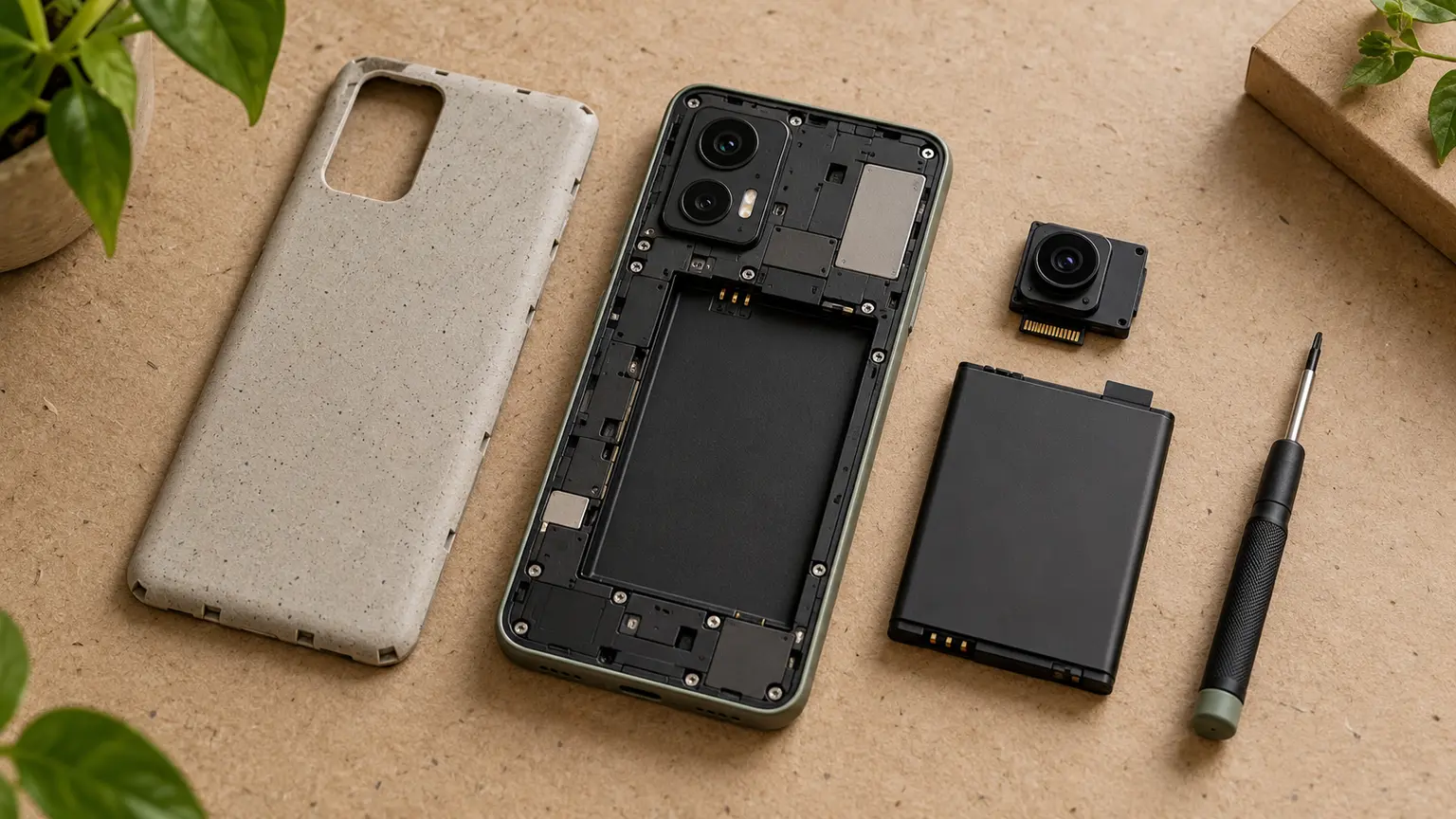
Ask for a local battery and display quote before buying an imported or used unit. Establish whether the quote covers the exact 3a, includes labour and names the part that will be fitted. A seller who can source a phone today may not be able to source a replacement display later. Separate those two services rather than treating the sales channel as an automatic repair channel.
Keep warranty and returns equally specific. Who handles a fault? Does the phone need to be sent abroad? Is the return period long enough to check your network, essential apps and charging behaviour? The answers may outweigh a modest price advantage over another suitable Android model with easier local service.
A discount needs an ownership horizon
Suppose a hypothetical discounted phone saves 100 currency units, but its practical ownership plan is a year shorter than the alternative you would buy. The saving can still be worthwhile, especially if you prefer replacing phones frequently. It becomes less persuasive when your goal is to avoid another purchase and the missing year leads to extra migration and accessory costs.
Use your expected ownership period for the comparison, with a shorter scenario alongside it. Add a probable repair budget only when you have a real quote; do not invent a battery price to make the result attractive. Consider resale separately, because resale is uncertain and should not rescue an otherwise weak calculation.
Make the final decision with the complete policy
The Phone (3a) is a reasonable candidate when the support arrangement fits your plan, physical memory and storage fit your apps, and repair and warranty access are acceptable. It is a weaker fit if you are buying it under the mistaken belief that six years means six major Android upgrades. Correct that misunderstanding before comparing offers.
At checkout, keep the full model and capacity, written warranty terms and the support dates you used. During the return period, verify network functions, your important apps and hardware operation. That turns an appealing design and discount into a purchase you can assess on concrete conditions.