The Four Clocks That Age a Phone: Battery, Hardware, Security, and App Support
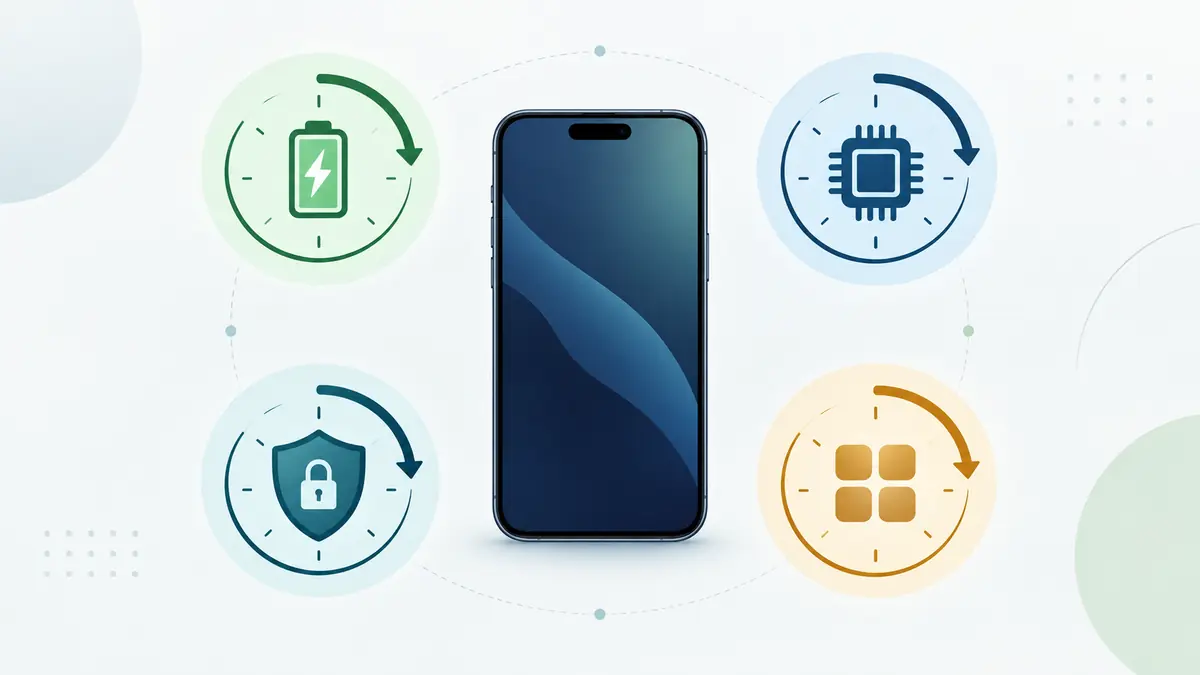
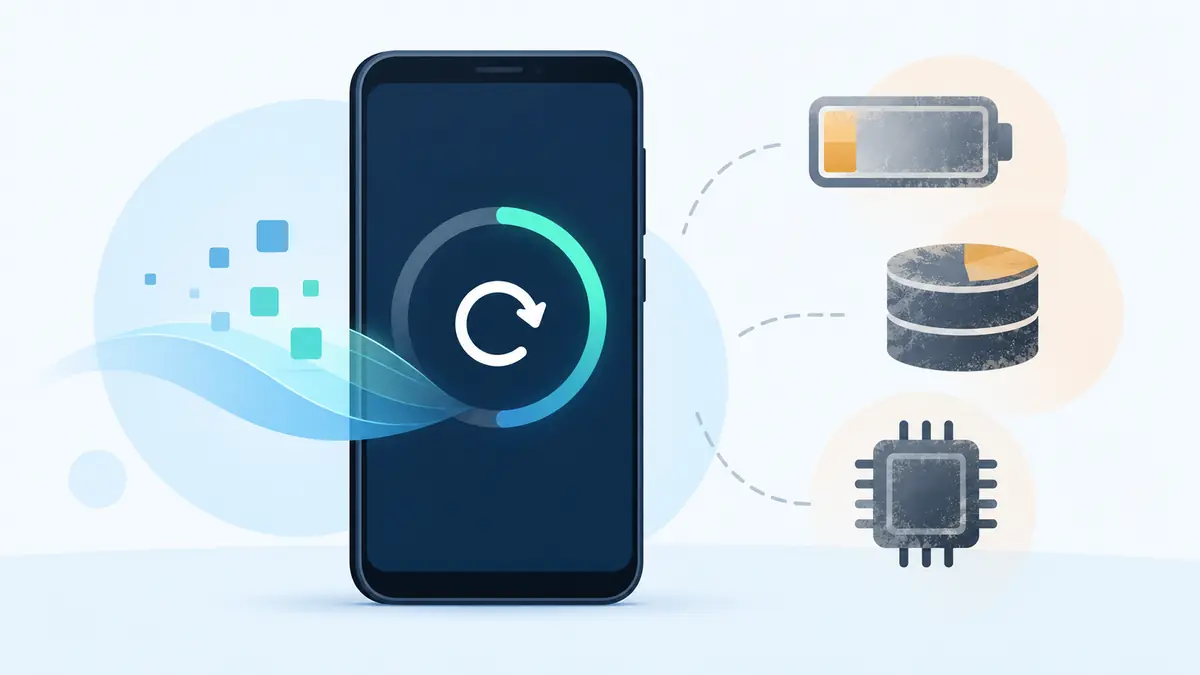
A phone does not have one expiration date. It has at least four clocks running at different speeds: battery condition, hardware capability, security maintenance, and app support. The phone becomes unsuitable for a particular owner when the first important clock runs out, not when an average lifespan chart says it should.
This four-clock model turns “How old is too old?” into a more useful review. Each clock has its own evidence, remedy, and limit. A battery can often be replaced. A storage ceiling usually cannot. Security support belongs to the manufacturer. An essential app can change its requirements without waiting for any of the other three.
Clock one: the battery
The battery clock measures dependable energy and power delivery, not merely whether the phone charges. Capacity gradually declines through chemical aging. Heat, time, cycling, storage conditions, and manufacturing variation all influence the rate.
Signs that this clock is approaching a limit include short runtime, sudden percentage drops, shutdown under load, slow or unstable charging, and a system service warning. Physical swelling, lifting, odor, or abnormal heat is not an inconvenience to monitor; stop using the phone and obtain appropriate safety help.
The battery clock is unusual because repair may reset much of it. A suitable new pack can restore runtime and power stability. The repair does not rewind the other clocks. A fresh battery in an unsupported phone is still a fresh battery in an unsupported phone.
Record battery health where the operating system provides it, but add observations: hours of ordinary use, overnight idle loss, temperature during navigation or calls, and whether the phone reaches the end of a workday. The number matters only in relation to the job.
Clock two: hardware capability
The hardware clock measures whether the fixed processor, memory, storage, display, cameras, radios, and ports can still perform the owner’s required tasks. It does not tick at a constant rate. Hardware remains physically the same while applications, websites, media formats, and expectations grow.
Storage is often the first visible constraint. A phone that stays almost full has little room for updates, temporary work, new photographs, and database growth. Deleting files may buy time, but a non-expandable 64 GB device cannot become a 256 GB device through maintenance.
Memory pressure can cause apps to reload and multitasking to break. Processor and graphics limits appear in camera processing, games, editing, transcription, or newer interface effects. Radio hardware matters when networks retire an older standard or the phone lacks important bands in a new country.
Repair can restore a broken screen, camera, or port. It usually cannot change the system-on-chip or soldered memory economically. This makes the hardware clock partly repairable and partly permanent.
Clock three: security maintenance
The security clock is controlled mainly by the platform and manufacturer. It measures how long the exact model remains eligible for fixes to newly discovered vulnerabilities. It is separate from whether the phone still runs, receives app updates, or looks modern.
Count remaining support from the manufacturer’s stated start and end rules, not from your purchase date. A phone that sat sealed in inventory consumed support time while it waited. A refurbished phone keeps its original model timeline after parts are replaced.
When security maintenance ends, the device does not become compromised immediately. It loses a dependable path for future platform fixes. That is a strong boundary for a primary phone holding financial accounts, private messages, authentication codes, work data, and password recovery.
Unlike the battery clock, an ordinary repair cannot rewind this one. An aftermarket operating system may extend life for certain models and informed owners, but support quality, hardware drivers, verified boot, and app compatibility need separate evaluation.
Clock four: apps and services
The app clock measures access to the software that makes the phone useful. Banks, employers, messengers, transport systems, stores, games, and accessory makers set their own minimum operating-system versions and device requirements.
An app can stop supporting an operating-system version before the manufacturer’s final security date. It can also continue long after security support has ended. Neither outcome changes the other clock. “My banking app still opens” is not proof of maintained firmware; “I cannot install the newest game” is not proof that security updates have stopped.
List the five to ten applications that would force a replacement if lost. Include authenticator and accessibility tools, not only entertainment. Check their current store requirements and any work policy. A phone used for a hearing device or medical accessory may depend on one companion app more than on every benchmark combined.
Why the clocks disagree
A two-year-old phone with a damaged battery can fail the battery clock while holding years of security and app support. A battery repair may be an obvious value. A six-year-old flagship can have excellent cameras and a new battery but fail the security clock. An inexpensive model can remain patched while its small storage makes daily use intolerable.
Disagreement is normal because the clocks belong to different systems. Chemistry determines battery aging. Fixed specifications meet changing workloads. Manufacturers set firmware policy. Developers choose app requirements.
There is no honest single health percentage that combines them. Instead, identify the earliest clock that matters for the role, then ask whether it can be extended at a sensible cost.
Create a four-clock card
Use one page with four rows. For each clock, enter current evidence, expected limit, remedy, remedy cost, and confidence.
- Battery: measured health, observed runtime, physical condition, replacement quote.
- Hardware: free storage, performance in required tasks, damage, repair or capacity limits.
- Security: current patch, manufacturer policy, expected end date, months remaining.
- Apps: critical apps, current minimum versions, employer or accessory requirements.
Use dates where possible. “Battery lasts until lunch” is more useful than “battery bad.” “Security through October 2029” is more useful than “still supported.” Mark assumptions so they are not mistaken for facts.
Give each clock a color
A simple status helps prioritize without pretending to be scientific:
- Green: meets the role with comfortable margin.
- Amber: still works but requires monitoring, planning, or a known repair.
- Red: no longer meets a safety, support, or functional requirement.
Color the evidence, not the device’s age. A cracked camera lens can be red for a field inspector and irrelevant for a desk authentication phone. App support can be red for work use and green for an offline music role.
Add a review date. Battery behavior can change over months, security runway decreases predictably, and app requirements change. A card completed once and forgotten becomes another vague impression.
The interaction problem
One clock can accelerate the practical effect of another. A nearly full phone performs more background storage work while an old battery provides less runtime. A demanding new app exposes processor limits. A security update may need free storage the device cannot provide.
Repair economics also connect the clocks. A $120 battery is easier to justify with four supported years left than with four months. A screen repair can be sensible when critical apps and radio bands remain compatible, even if the model is old.
This is why repair decisions should use the minimum remaining life across important clocks. If the security clock ends in one year, do not value a battery as if it guarantees four more years of primary-phone use.
Three example phones
A worn recent phone
The first phone is three years old. Its battery lasts half a day, but storage has room, performance is adequate, security support has four years left, and every required app is current. The battery row is red; the other rows are green. A documented battery repair can move the phone back into service without replacing capable hardware.
A polished unsupported flagship
The second phone has a bright display, fast processor, and newly replaced battery. The manufacturer no longer lists it for security updates. The owner wants mobile banking, password recovery, and employer email. Hardware and battery are green, apps may be green today, but security is red for the role. Cosmetic condition does not change that boundary.
A supported phone that no longer fits
The third phone still receives patches, but its storage is permanently full, required apps reload constantly, and its modem performs poorly on the owner’s new network. Security is green while hardware and app use are red. Keeping it solely because updates continue confuses maintenance with suitability.
Buying with the clocks
For a new or refurbished purchase, estimate each clock at the planned end of ownership. A long update promise cannot compensate for insufficient storage bought on day one. A replaceable battery matters only if service and parts are accessible. Powerful hardware is less valuable if a critical app or regional network is incompatible.
Ask sellers for evidence that maps to the four rows: battery threshold, exact specifications, model number, support policy, repair history, and return terms. Cosmetic grade does not belong in place of any of these.
When comparing prices, use the earliest credible end among the clocks. That produces a conservative useful-life estimate. For more detail on support math, see how to calculate a phone’s remaining updates.
Keeping a phone after one clock ends
A red clock does not require throwing the device away. It requires changing the role or repairing the cause. An unsupported phone can become a genuinely offline music player, camera, alarm, remote, or test device after sensitive accounts and unnecessary connectivity are removed. A phone with poor battery life can live on a desk as a controller if the battery is physically safe.
Do not describe a connected spare as offline simply because it lacks a SIM. Wi-Fi, Bluetooth, messages, browsers, and account tokens still create exposure. Define the new role precisely.
When replacement is the right repair
Replace the phone when the first important clock cannot be extended, or when extending one leaves too little value before another expires. Multiple amber rows can also create a red total: battery service, damaged port, cramped storage, and one year of patches may be individually tolerable but weak together.
Back up and verify data before the handoff. Move authentication methods carefully, remove account and activation locks, erase through official instructions, and recycle or resell with an honest support and repair history.
The practical answer
A phone ages through four independent clocks: battery, hardware, security, and applications. Check each with its own evidence. The shortest clock that matters to the intended role determines how much dependable life is left.
This framework avoids two expensive mistakes: replacing a sound phone for a repairable battery, and repairing a beautiful phone whose secure or functional role is already ending. Age is context. The four clocks are the decision.
Decide which clock could end your intended use first
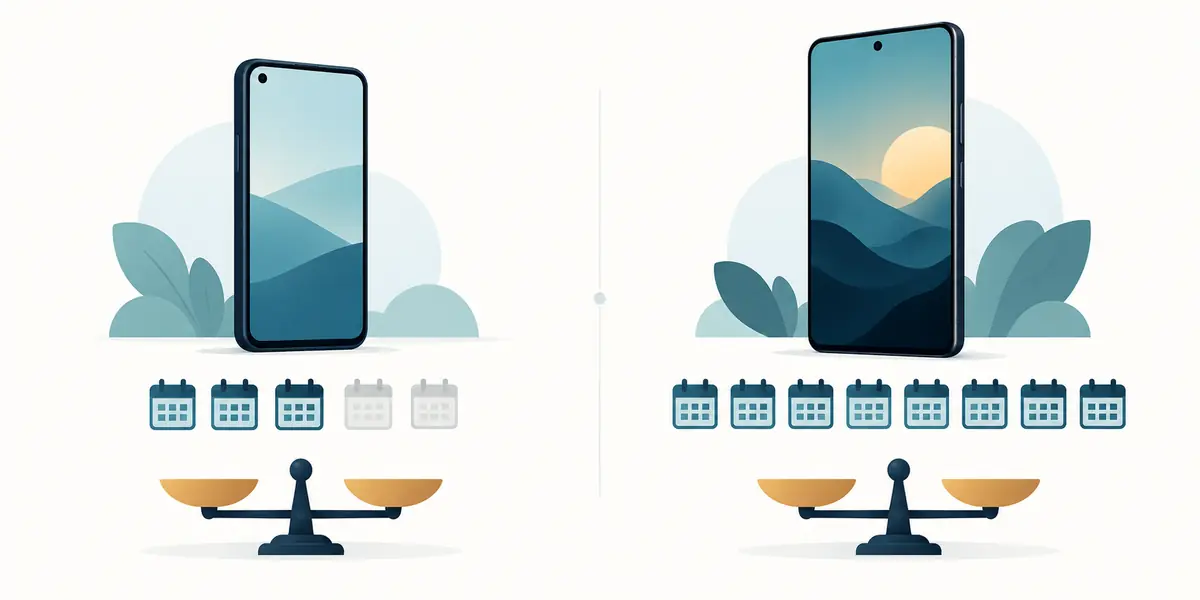
Compare a long-support phone such as the Fairphone Gen. 6 with a Pixel 9a by asking what could prevent your own use first. A support roadmap is valuable, but storage pressure, unavailable local repairs or a required application’s changing needs can become the binding constraint. The longest published timetable is only one part of that comparison.
Choose one likely limiting factor and write a next action beside it. Price a repair if the battery is the concern, check the support timetable if security is the concern, or confirm the application’s requirements if software fit is uncertain. Revisit all four clocks before paying for a major repair. A fix to one clock should buy useful time on the others, rather than leave another unresolved constraint to end ownership soon afterwards.
| Keep in your decision record | What to write down |
|---|---|
| Intended role | Describe the tasks and accounts the phone must support. |
| First likely limit | Identify battery, hardware, security or app fit. |
| Revisit trigger | Repeat the four-clock check before major spending. |
Apply the guide to a real shortlist:
Updated October 10, 2026: added a practical application and decision record. This documentation-based guide uses estimates where stated; individual condition, repair costs and regional support vary.