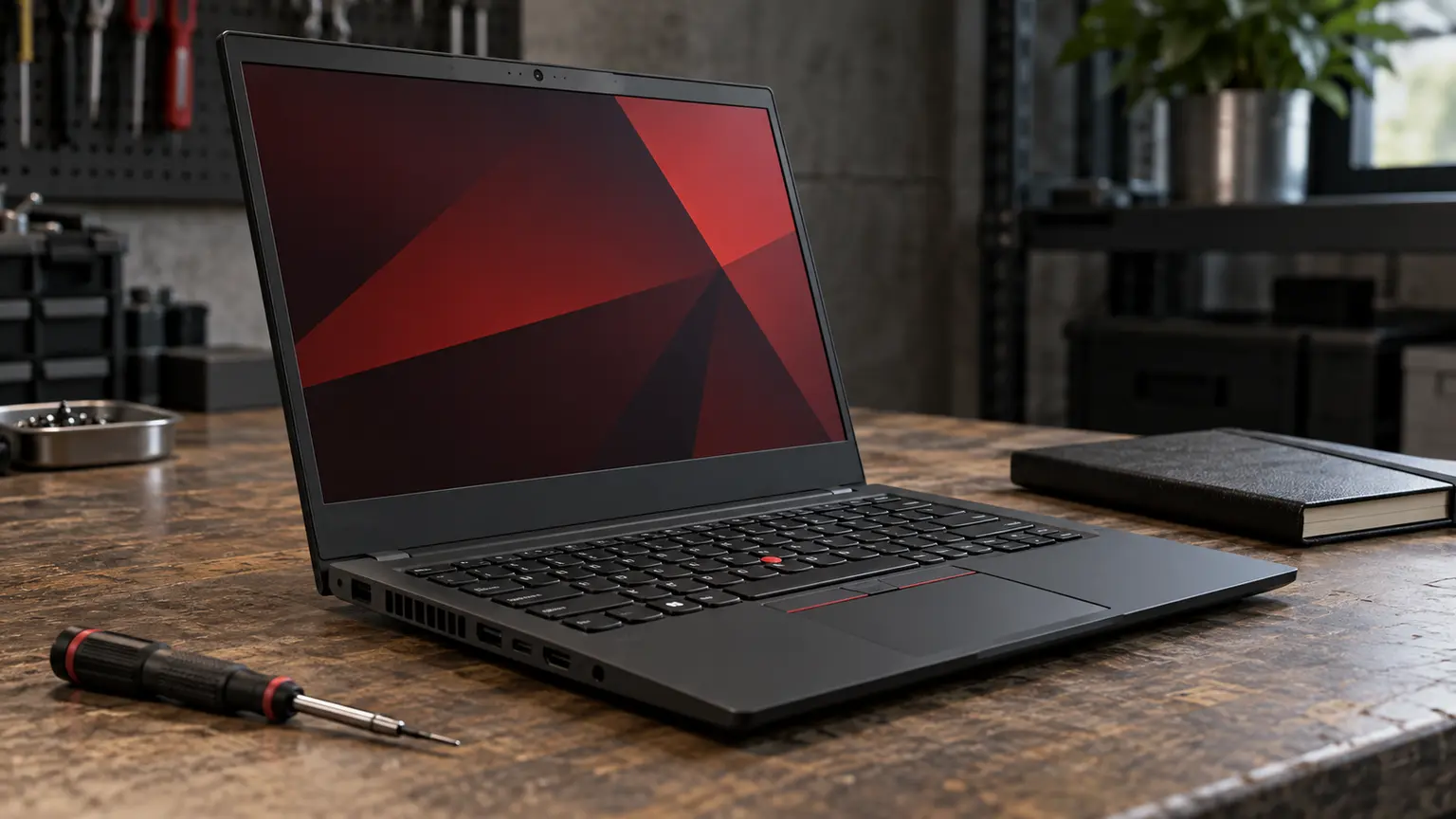
Framework Laptop 13 Ryzen AI 300 Review: Price the Repair Plan Before Buying the Upgrade Promise
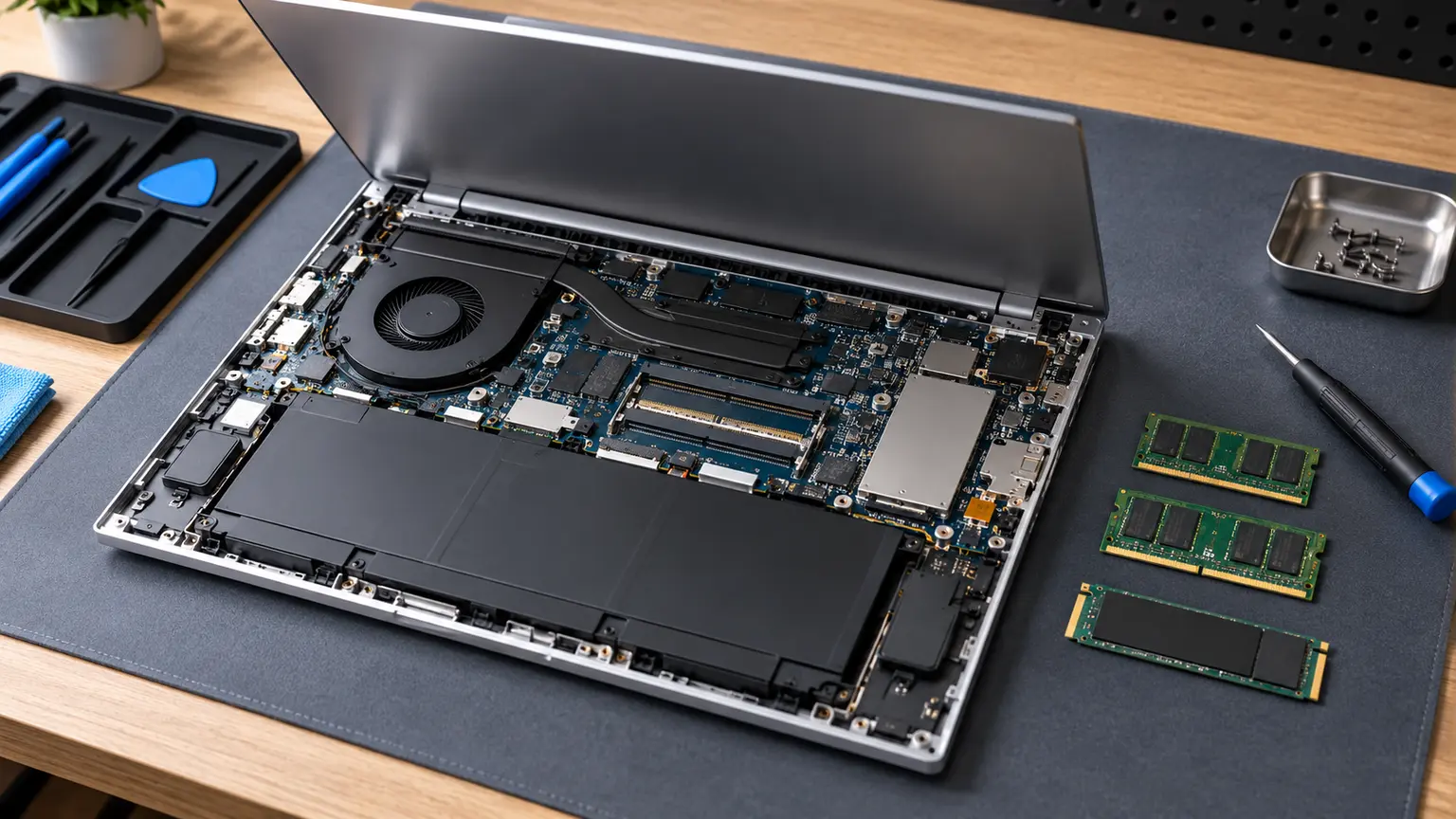
The Framework Laptop 13 with AMD Ryzen AI 300 makes its strongest case to someone who wants to maintain a laptop instead of replacing the entire machine when one component becomes limiting. Framework describes replaceable parts, memory and storage upgrades, selectable Expansion Cards and a path to changing the mainboard. Those options are useful, but a credible ownership review also needs to ask whether you will use them and how you will obtain the parts.
This is a documentation-based assessment of the ownership proposition. It does not present measured fan noise, battery runtime, display accuracy or benchmark results. The laptop can be an attractive purchase without every theoretical upgrade being good value, and distinguishing those two ideas prevents an expensive misunderstanding.
The mainboard upgrade is an option, not an annual plan
The possibility of a later processor-generation upgrade is unusual and valuable when the rest of the machine is still serving you well. It lets an owner separate the useful life of the chassis, display and input devices from the useful life of the processing platform. That does not make a mainboard free or prove that changing it will be the best response to every slowdown.
A workload constrained by memory or storage may benefit more from the relevant component than from a processor change. A worn battery needs a battery solution. Diagnose the bottleneck before planning an upgrade, otherwise the modular design can become a reason to spend on parts that do not solve your problem. The maintenance advantage comes from making an appropriate small change, not from changing everything individually.
Include every item in the configuration price
Framework offers prebuilt and DIY arrangements, and the DIY edition allows buyers to bring memory, storage and an operating system. Comparing its headline price with a ready-to-use laptop can therefore be misleading. Include the chosen memory, SSD, power adapter where needed, required Expansion Cards, operating-system licence and any delivery or import costs in the same calculation.
The port system is useful when your needs are specific. Count the connections you use simultaneously: charging, an external display, wired accessories and storage may compete for the available positions. Choose the actual cards for that setup rather than buying a collection on the assumption that every future accessory will need one. A configuration designed around your desk is a better starting point than a generic premium bundle.
Screen and memory choices still need a workload
Framework lists a 13.5-inch screen in a taller 3:2 format, with 2.2K and 2.8K options, and upgradable DDR5 memory. The taller shape may suit documents and code, but suitability is a task judgment rather than a colour-accuracy or brightness measurement. If display behaviour is central to paid visual work, seek the actual panel evidence you need instead of treating resolution as a complete quality assessment.
Do the same with memory. Buy enough for the apps you actually keep open, and note how a later upgrade would be carried out. The ability to upgrade later can reduce the pressure to overbuy, but it is not a reason to deliberately choose a configuration that struggles from the first week. The lowest starting price and the lowest useful ownership cost are different calculations.
| Planning item | What belongs in your total |
|---|---|
| Ready-to-work configuration | Memory, SSD, operating system and required accessories |
| Desk connections | Only the cards needed for simultaneous use |
| Maintenance reserve | A real battery or other likely repair quote |
| Imported purchase | Delivery, taxes, warranty route and parts shipping |
| Future upgrade | Separately budgeted option, not an assumed free benefit |
The part catalogue needs a delivery route
Check parts availability for your country and the specific generation before ordering the laptop. If you rely on a local technician, ask whether they will service it, what labour costs and who handles a warranty claim after the repair. Self-repair is an option for an appropriate owner, but it should not be the only imagined route when you have neither the time nor the confidence to do it.
There is a practical difference between knowing a battery is replaceable and being able to get one promptly. Someone with a spare work machine can absorb a delivery delay more easily than someone whose only laptop holds the business workflow. Include downtime in the ownership plan, especially for imported units. Repairability loses some of its value when the repair cannot be arranged when it is needed.
A break-even example without invented market prices
Imagine the complete Framework configuration costs 250 currency units more than a suitable alternative. If a later component repair avoids replacing a usable 700-unit laptop, the premium may have paid for useful flexibility. If you normally replace laptops after two years regardless of condition, the extra maintenance options may provide little financial return. These are hypothetical amounts, not product prices or predictions.
The honest comparison includes both outcomes. Add the premium and repairs to the years you actually intend to use the machine, then compare with the same workload and ownership period for the alternative. Do not assume maximum longevity for Framework and an early failure for every other brand merely to make the sums work.
Buy it with one credible maintenance plan
The Framework Laptop 13 is a persuasive choice when your work fits its platform, the fully configured price is competitive for your priorities and parts can reach you. Its advantage is the ability to keep more of a working machine when one part needs attention. It is a less compelling choice if you will not maintain it or if import logistics make routine service impractical.
Before committing, complete the configuration total and obtain a realistic battery-replacement route. Keep the optional mainboard upgrade separate from that baseline. A laptop that already meets your needs and can be maintained reliably has a stronger ownership case than one bought mainly for a future upgrade you have not priced.