One USB-C Charger for a Laptop and Phone: Read the Port-Sharing Table
Battery & charging · Travel setup
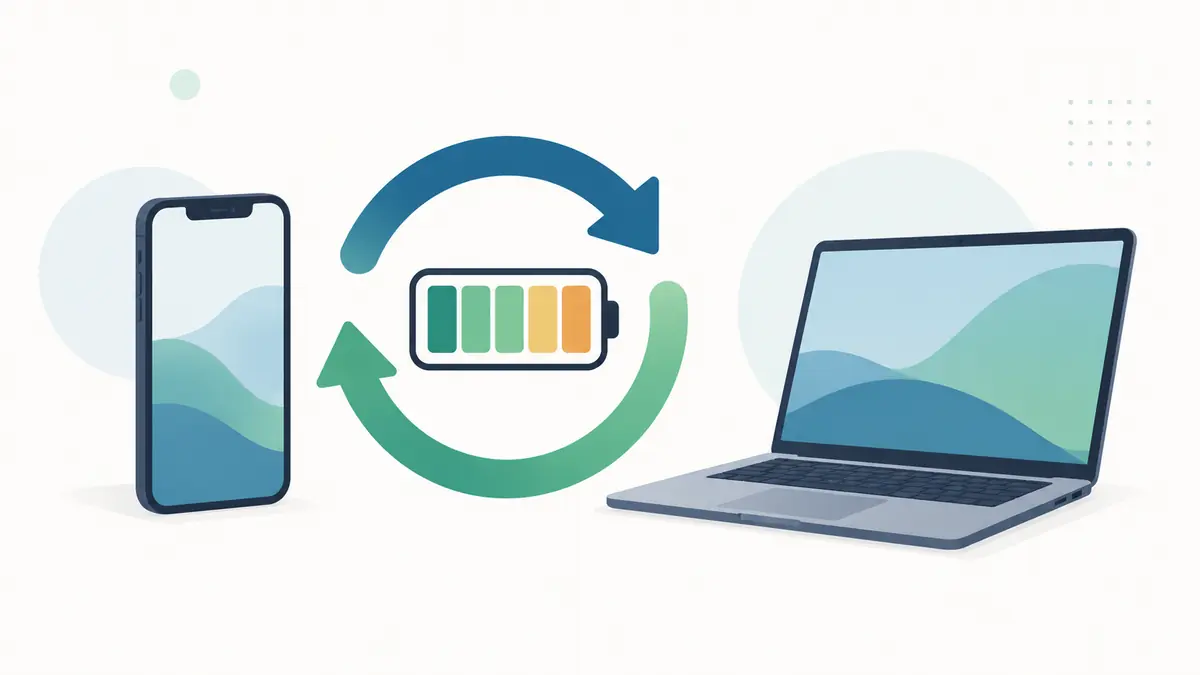
A charger that powers a laptop well on its own may behave differently when a phone is connected. Before replacing separate adapters with one multiport charger, read the output table for the combination you will actually use.
Follow the power path
Charger total → allocation to the chosen port → cable capability → device input limit. A large number at the start does not establish the power available at the end.
Read the simultaneous-use row
Find the manufacturer’s allocation for the exact ports you plan to occupy. A single-port maximum and a combined total answer different questions. Check whether connecting another device changes the laptop port’s allocation, and whether a particular port is preferred for the laptop.
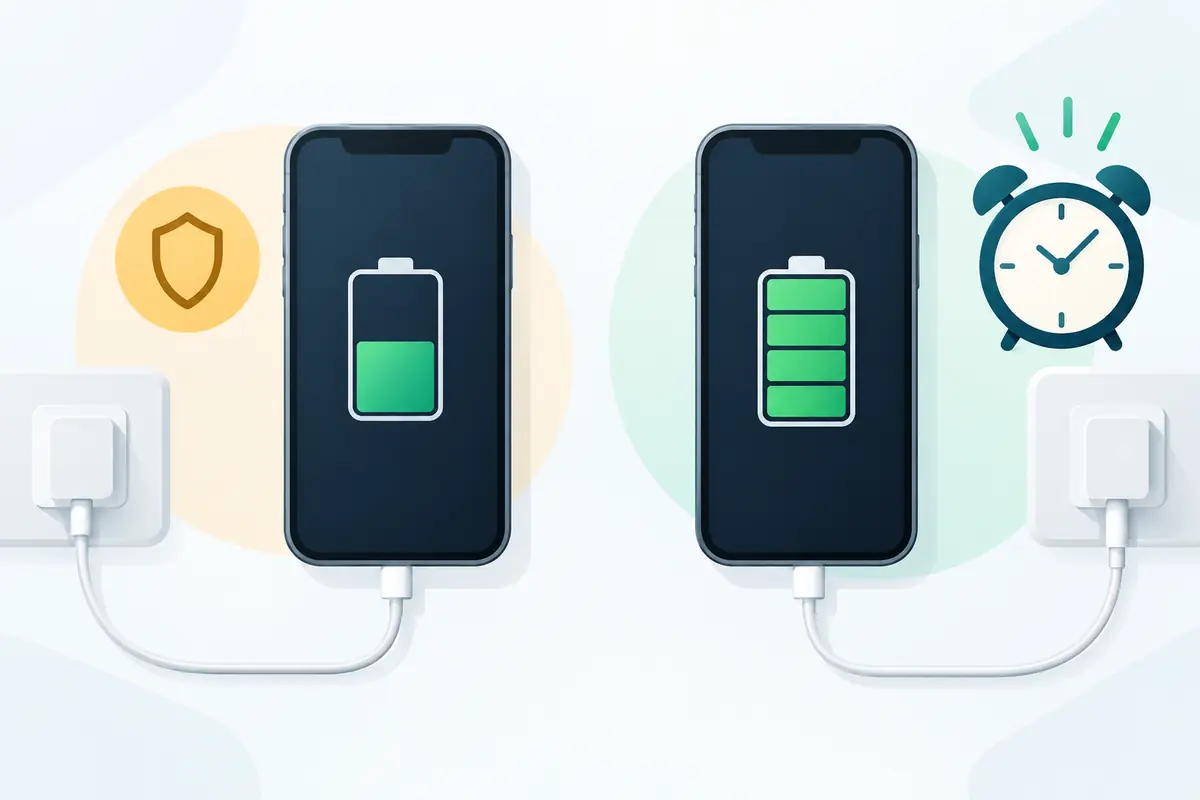
Do not assume every charger splits power evenly. Apple’s documentation for its 35 W dual USB-C adapter gives a concrete example: a Mac and an iPhone or iPad can each receive up to 17.5 W, while a Mac or iPhone paired with an Apple Watch or AirPods can receive up to 27.5 W and 7.5 W respectively. That is a description of that adapter’s documented behaviour, not a rule for all multiport chargers.
Compare the allocation with the laptop’s real charging requirements
Check the exact laptop model and charging path. A USB-C connector can serve functions other than charging, and the device’s requirements may include particular power-delivery profiles. USB-IF describes Power Delivery as negotiated, flexible power delivery; wattage arithmetic alone cannot establish compatibility.
The cable is another part of the path. Verify its documented capability and physical condition. A high-rated charger cannot make a damaged cable safe, and a cable rating does not upgrade the charging capabilities of the laptop.
Keep the distinction between maximum input and present use. The device’s input limit is a ceiling. What it actually requests can vary with workload, battery charge state, temperature and power-management decisions.
A worked budget with a clear limit
Consider hypothetical ratings of 100 W available on the chosen port, 60 W for the cable and 65 W for the device’s charging path. The lowest rating is 60 W, so the calculator reports a theoretical 60 W input ceiling.
If you also enter a hypothetical 45 W device-side operating demand, the arithmetic margin is 15 W. This is not a measured battery charge rate. Internal conversion losses, charging control and the battery’s own limits can reduce the rate further.
| Same illustrative setup | Input ceiling | Margin against 45 W demand |
|---|---|---|
| Port allocation 100 W; cable 60 W; device limit 65 W | 60 W | 15 W |
| Port allocation falls to 30 W when another device connects | 30 W | Demand exceeds ceiling by 15 W |
| Operating demand is unknown | Depends on the entered limits | Not calculated |
A negative margin explains why you should not infer “charging successfully” from a charging icon alone under a demanding workload. It does not diagnose the machine. Some devices may reduce performance, draw on the battery, charge only under lighter use, or decline an unsuitable supply.
Do not mix wall power with device input
A plug-in meter measures consumption at the wall, including losses in the adapter. The power-budget tool asks for demand at the device side. If you do not have a reliable estimate at that point, leave operating demand blank and use the tool only to inspect the theoretical ceiling.
For electricity billing, wall power is the appropriate boundary. Use our separate electricity-cost calculator for that question rather than treating a charging-output rating as constant consumption.
A purchase and packing checklist
- Confirm that the laptop port accepts charging and identify the required protocol and profiles.
- Read the charger’s allocation for the exact simultaneous port combination.
- Check both cables, including the laptop cable’s power capability.
- Consider what happens when the laptop and phone need power at the same time during real work.
- Keep the seller’s return terms and test the combination while a remedy remains practical.
If the adapter or cable is damaged, unusually hot or unreliable, stop relying on the arithmetic and use appropriate service or replacement guidance. A calculator cannot assess electrical safety.
Sources and method: Apple: 35 W dual-port adapter; USB-IF: USB Power Delivery. The 100/60/65 W and workload examples are hypothetical TechReviewz scenarios. This is a documentation-based guide, not a charger test or product recommendation. Report a correction.