Does Charging to 100% Damage a Battery? What Charge Limits Actually Do
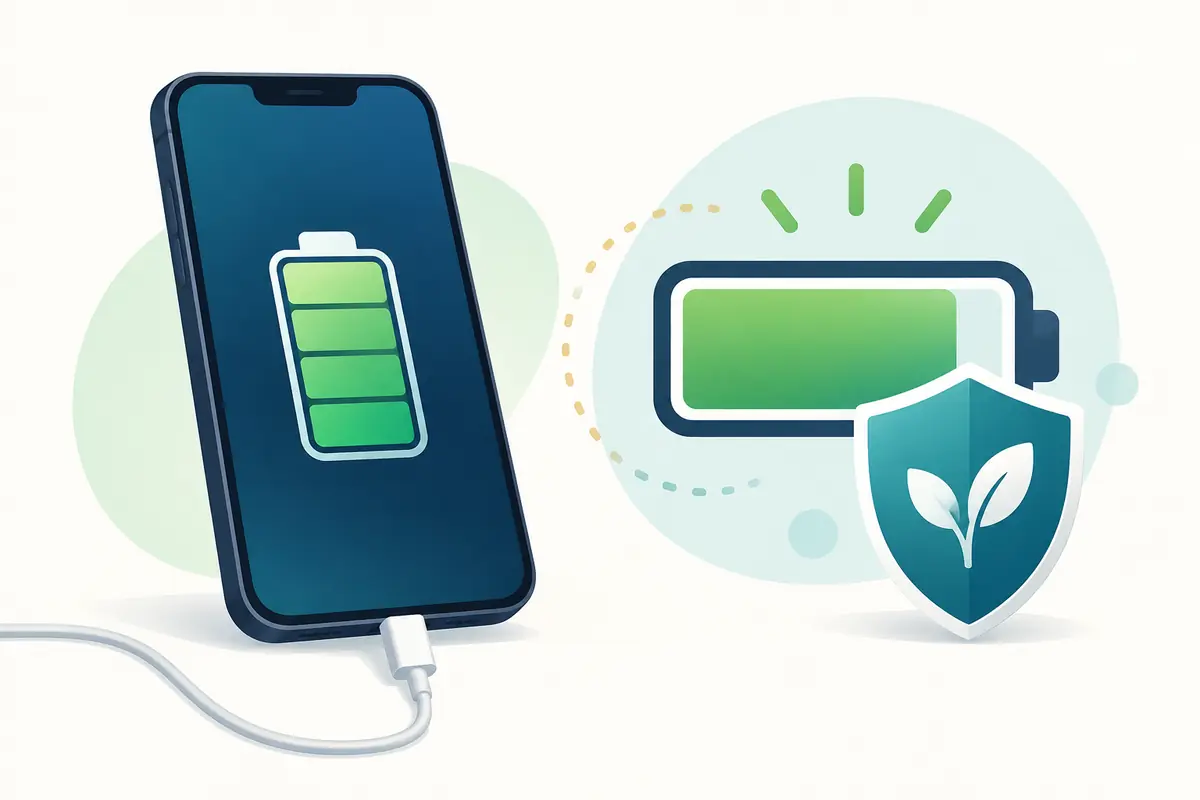
Charging a modern phone or laptop to 100 percent does not immediately damage its battery. The device has a charging controller and does not keep forcing energy into the cell without limit. Still, spending long periods at a very high state of charge—especially while hot—can increase battery aging over months and years. Charge limits and optimized charging features reduce that time, but they trade some daily runtime for slower long-term wear.
The practical choice depends on how the device is used. A commuter who needs every hour of battery may reasonably start the day at 100 percent. Someone who works beside a charger and finishes most days above 40 percent can use an 80-percent limit with little inconvenience. Battery care should support the owner’s routine, not turn charging into a source of constant worry.
What “100 percent” actually means
The number on the screen is a software-controlled estimate, not a view of every chemical reaction inside the battery. Manufacturers set upper and lower operating boundaries so users do not normally charge to the cell’s absolute chemical maximum or drain to its absolute minimum. The displayed range is a managed window.
When the screen reaches 100 percent, the charging system reduces or stops normal charging. The device then manages power according to its design, temperature, current workload, and whether it remains connected. It does not simply continue filling an already full battery at the original rate.
That protection is why a full charge is normal and supported. It does not make time at high charge completely irrelevant. Lithium-ion cells generally experience more stress at high voltage, and heat speeds many unwanted chemical changes. A phone sitting at 100 percent in a hot car faces a different condition from one that reaches full charge shortly before a cool morning commute.
Charging to full is not the same as overcharging
The word “overcharging” is often used too loosely. In a properly functioning modern device with a compatible charger, reaching the displayed 100 percent is not the same as uncontrolled overcharging. The internal charging circuit sets limits and monitors the pack.
Real safety concerns involve damaged, counterfeit, poorly designed, or defective equipment; physical battery damage; liquid exposure; abnormal swelling; or excessive heat. A charge-limit setting cannot make unsafe hardware safe. If a battery swells, a charger sparks, a connector melts, or the device becomes unusually hot during ordinary charging, disconnect it when safe and arrange qualified inspection.
Using a higher-wattage USB-C adapter is not automatically overcharging either. With standards-compliant equipment, the device and charger negotiate supported power. The device draws what it is designed to accept. Cable capability, charging protocol, port condition, temperature, and active use all affect the result.
Why high state of charge affects aging
A battery ages through two broad paths. Cycle aging comes from charge moving in and out during use. Calendar aging happens with time even when a battery is not being cycled heavily. High temperature and long periods at high charge can accelerate calendar aging.
This does not mean one night at 100 percent causes visible harm. Battery aging is cumulative and affected by many variables. The difference between charging patterns usually appears slowly. A device kept for one or two years may show little practical difference, while an owner trying to keep it for five years has more reason to reduce avoidable heat and time at the upper limit.
The most harmful part of a routine may not be the final percentage. Gaming, navigation, video recording, or running a heavy laptop workload while charging can create heat. A battery held near full while the processor and graphics hardware are hot faces a tougher condition than a cool device charging while idle.
What an 80-percent charge limit does
A fixed charge limit stops normal charging near a chosen level, commonly 80 percent on supported devices. The exact behaviour depends on the model. Some systems hold near the limit while connected; some occasionally charge higher for measurement accuracy or battery management; and some enable the option only under certain conditions.
The benefit is simple: the battery spends less time near its highest state of charge. The cost is also simple: the owner starts with less usable energy. A phone that delivered ten hours from full might offer roughly eight hours from an 80-percent start, though real runtime is not perfectly proportional because workload and standby use vary.
A fixed limit suits predictable routines. It works well for a laptop used mostly at a desk, a phone that ends the day with plenty of charge, a car-mounted device that stays powered, or a household tablet that rarely travels. It is less convenient on long trips, field-work days, or during power outages.
How optimized charging is different
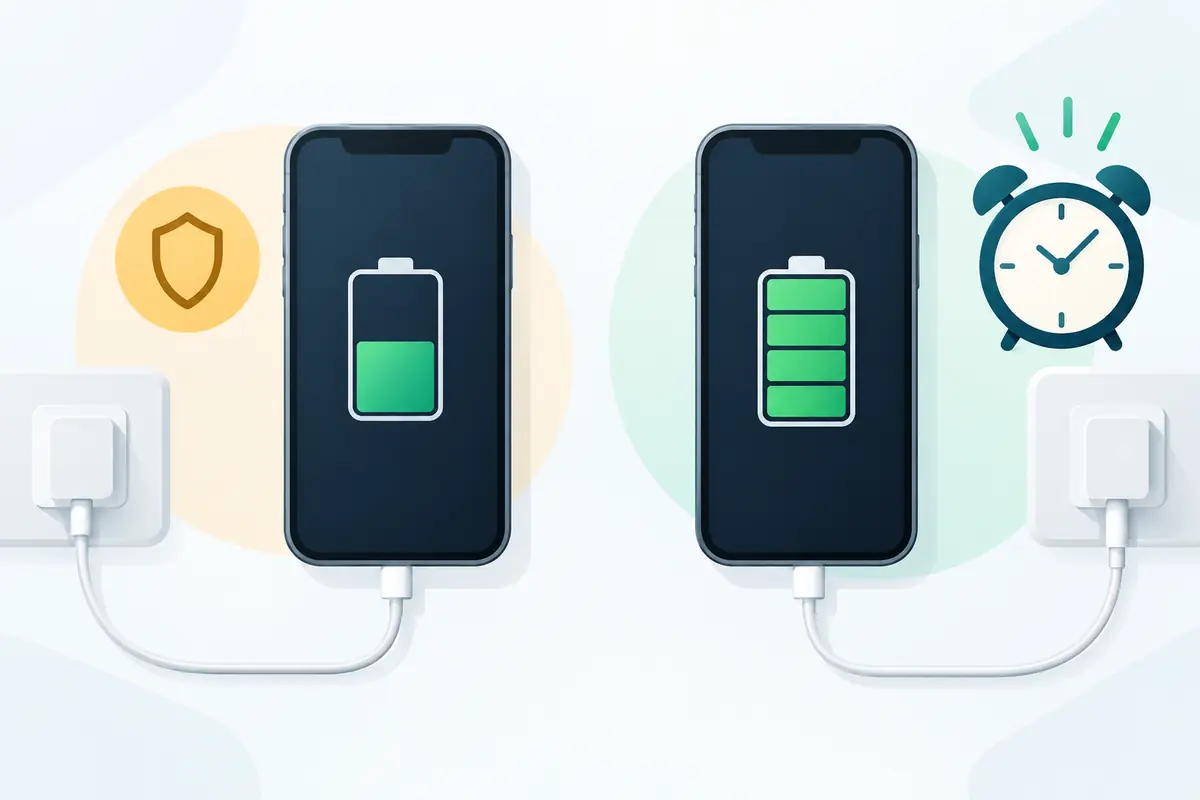
Optimized charging tries to learn when the owner normally disconnects the device. Instead of stopping permanently at 80 percent, it may pause or slow near that level and complete the final portion closer to the expected time of use. The goal is to provide a full battery while reducing the hours spent full.
Apple describes Optimized Battery Charging as using on-device machine learning to learn a daily charging routine and delay charging past 80 percent in certain situations. Google offers battery features on supported Pixel phones, including an 80-percent limit and adaptive behaviour described in its current help material. Names and menus can change with software versions, so owners should use the instructions for their exact model.
Optimized charging is convenient when the routine is regular. It can be less predictable for shift workers, travellers, or anyone whose unplugging time changes daily. A device may finish later than expected or decide that conditions do not match the learned pattern. Most systems provide a way to complete charging when a full battery is needed sooner.
Which option fits different routines
If a phone normally ends the day below 15 percent, a fixed 80-percent limit may create unnecessary range anxiety or a second charge. Starting at 100 percent can be the more practical choice. The owner can still reduce heat, use optimized charging, and avoid leaving the phone full in a hot place.
If the phone ends a normal day above 40 percent, an 80-percent limit may fit easily. Try it for a week and observe the lowest charge reached during an ordinary day, not an unusually quiet day. Keep some reserve for weak signal, navigation, camera use, and unexpected travel.
For a laptop used on a desk, use the manufacturer’s battery-care setting where available. Some makers provide a conservation mode, charging threshold, or maximum charge level in firmware or a support application. Do not install a random utility that claims it can override charging hardware. Use the operating system or the laptop maker’s documented control.
For travel, temporarily allowing a full charge is reasonable. The point of a limit is to reduce avoidable time at high charge, not to prevent the battery from doing its job. A setting that causes the owner to run empty, carry unsafe power banks, or search for outlets all day is not a good fit.
Does overnight charging ruin a battery?
Overnight charging is not automatically harmful. A supported device manages charging after it reaches full, and optimized charging may delay the final portion. The relevant questions are temperature, equipment condition, ventilation, and how long the battery remains full.
Do not cover a charging phone with bedding or place a laptop where its vents are blocked. Replace frayed cables and loose adapters. Use compatible equipment from a trustworthy maker. If wireless charging makes a particular phone consistently hot, compare temperature and charging time with a wired charger rather than assuming every method behaves the same.
An overnight routine can be perfectly reasonable when it is the only reliable way to start the day prepared. If the device offers optimized charging, enable it and let the system manage the timing. The owner does not need to wake up to unplug at a precise percentage.
Fast charging and battery lifespan
Fast charging produces more heat in some conditions, but the label on the adapter does not tell the whole story. Phones and laptops adjust power during the session. Charging is often fastest at a lower state of charge and slows as the battery fills or warms. The device may reduce power to protect the pack.
Use fast charging when it is useful. If the device becomes hot, remove an insulating case if the manufacturer allows, move it out of direct sun, stop demanding workloads, and check the charger and cable. A slower charger can be sensible overnight, but only if it is compatible and in good condition.
Do not assume that a 100-watt charger forces 100 watts into a phone. USB-C power delivery depends on negotiation. A poor cable may limit charging, while a non-compliant accessory can create reliability or safety problems. Wattage is only one part of the system.
Common charging habits that do not help
Regularly draining a lithium-ion battery to zero is not needed to “train” it. Deep discharge can leave the owner without power and adds a large portion of a cycle. An occasional full discharge may be suggested by a manufacturer for a specific reporting issue, but it is not a daily health routine.
Constantly unplugging at 79 percent and reconnecting at 81 percent is also unnecessary. The device already manages charging in small steps. Use a built-in limit if available and spend attention on the factors that matter more: heat, physical condition, compatible equipment, and whether the routine provides enough energy.
Closing every background app repeatedly does not necessarily save battery. Modern operating systems manage suspended apps, and reopening them can use energy. Investigate an app that shows unusually high background use, poor signal activity, or persistent location access instead of performing a ritual with no measured benefit.
How to test whether a charge limit works for you
Record a normal week before changing the setting. Note the charge level when unplugged, the lowest level reached each day, screen time, navigation or camera use, and whether the phone became hot. Then use the 80-percent limit for another week with similar activity.
The decision is not about winning a battery-health contest. Ask whether the lower starting level changed behaviour. Did you need an extra charge? Did you avoid a useful feature? Did the device stay cooler because it spent less time charging during heavy use? If the limit fits without disruption, keep it. If it does not, optimized charging or a full charge may be better.
For a laptop, repeat the check during a week away from the desk. A conservation mode that works at home may leave too little reserve in a classroom or meeting. Learn how to disable it temporarily before travel rather than discovering the limit after leaving.
What matters more than a perfect percentage
A reliable charger, undamaged cable, clean port, moderate temperature, current software, and a battery without swelling matter more than hitting an exact number every day. Battery health is not controlled by one setting. Usage intensity, age, climate, signal strength, manufacturing variation, and time all contribute.
If keeping the device for many years is the goal, use a charge limit when it fits and optimized charging when it fits better. Charge to 100 percent when the day requires it. The reasonable habit is to avoid unnecessary heat and long storage at extremes while still leaving home with enough power to use the device safely and normally.
Make charging advice serve the day you need to complete
For an iPhone 16 or Pixel 9a, evaluate the charging controls available on the delivered software version and the time away from a charger. A setting that leaves you short on an ordinary day is a practical mismatch even if it sounds attractive in general battery-care advice. More demanding days can justify a different charging plan.
Record charging interruptions and the conditions that cause them before changing several settings together. Avoid promising a precise lifespan gain from a short comparison: battery aging depends on more than the displayed charge limit. Reassess when the battery condition or daily routine changes. The useful outcome is a workable habit with manageable heat and enough charge for your intended use.
| Keep in your decision record | What to write down |
|---|---|
| Daily requirement | Record the time and tasks away from convenient charging. |
| Setting used | Name the actual control available on this device. |
| Revisit trigger | Adjust after a routine or battery-condition change. |
Apply the guide to a real shortlist:
Updated October 10, 2026: added a practical application and decision record. This documentation-based guide uses estimates where stated; individual condition, repair costs and regional support vary.