Laptop Electricity Cost: Measure Your Desk, Then Calculate the Bill
Battery & charging · Ownership costs
A 65 W label on a charger does not mean your laptop draws 65 W all day. For a useful running-cost estimate, start with average electricity use at the wall and the hours spent in each state.
Keep the boundary consistent
Compare laptop with laptop, or complete desk with complete desk. A monitor, dock and powered speakers can change a desk’s result even when the computer itself is efficient.
Open the electricity-cost calculator →Measure a work session, not a single instant
Watts describe power; kilowatt-hours describe energy used over time. The U.S. Energy Information Administration explains the distinction and the 1,000-watt conversion. For a device that changes load constantly, an average over a representative session is more useful than a brief peak.
- Define what is included. Write “laptop and charger only” or list the desk equipment connected through the measured outlet. Avoid measuring the same monitor in two separate totals.
- Use a suitable plug-in energy meter. Follow its instructions and electrical ratings. You do not need to open a charger, change wiring or expose mains contacts.
- Record energy and elapsed time. If the meter shows 0.18 kWh over three hours, the average is 0.06 kW, or 60 W. This example is arithmetic, not a measurement of a particular laptop.
- Keep battery conditions comparable. Charging an almost empty pack adds a different load from using a fully charged machine. Note whether the session includes recharging; include your normal charging pattern in the final estimate.
- Observe idle or sleep separately. “Screen off” is not proof that the whole desk draws zero. Measure the state you actually leave it in.
If you cannot measure yet, label the input as an assumption and run a low and high scenario. Do not substitute a charger’s advertised maximum output and call the result measured consumption. Wall consumption also includes the power supply’s losses.
A complete example you can reproduce
Assume a desk averages 65 W during five hours of active use and 8 W during three hours of idle use. For this example, it is fully off for the remaining 16 hours. Assume a price of 60 currency units per kWh. These are hypothetical inputs, including the rate; they are not a current electricity tariff or a product benchmark.
| Step | Calculation | Result |
|---|---|---|
| Daily active energy | 65 W × 5 h ÷ 1,000 | 0.325 kWh |
| Daily idle energy | 8 W × 3 h ÷ 1,000 | 0.024 kWh |
| Daily total | 0.325 + 0.024 | 0.349 kWh |
| 30-day energy | 0.349 × 30 | 10.47 kWh |
| 30-day energy cost | 10.47 × 60 | 628.20 currency units |
The calculator starts with these amounts so you can verify the result, then replace them with your own measurements. Active and idle hours must total no more than 24. The tool treats unassigned hours as zero consumption: account for standby if that is not true.
An annual estimate using 365 identical days is 127.385 kWh. Twelve 30-day periods cover only 360 days, so multiplying the displayed 30-day result by 12 will not exactly match that annual figure. A different weekday/weekend pattern needs separate calculations.
Choose a rate that answers your actual question
For “what will this extra device add?”, use the applicable incremental energy rate. For time-of-use billing, calculate peak and off-peak periods separately. With slab-based pricing, the applicable cost can change as total household use crosses a band. Check the current bill and your supplier’s schedule rather than a generic rate copied from another household.
Fixed meter charges do not disappear when a laptop is switched off. Taxes, adjustments and tariff rules can also change the bill. The tool estimates the energy portion under your chosen rate; it does not reproduce an entire utility bill. Dividing the whole bill by total kWh gives an average billed cost, which answers a different question.
Test whether efficiency savings justify spending
Suppose another setup reduces average active power by 20 W for the same five-hour daily workload. In a 30-day period, that saves 3 kWh. At the illustrative rate of 60, the energy saving is 180 per month. An extra purchase cost of 20,000 would take about 111 months to recover from that energy saving alone, before financing, repairs or changes in use.
This does not establish that either device is the better purchase. It demonstrates why a small power difference should be priced before it becomes a reason to replace functioning equipment. Test free settings changes first, then compare complete ownership costs with a common time horizon.
A useful measurement record
- Date, task and equipment included.
- Start and end meter readings, plus elapsed hours.
- Battery charging state, display brightness and power mode.
- Average active load, idle load and actual daily hours.
- Rate, billing basis and every assumption you could not measure.
Use the ownership-cost comparison when evaluating a replacement. If a device is running hot or slow, first read our bottleneck guide; higher consumption alone does not identify the fault.
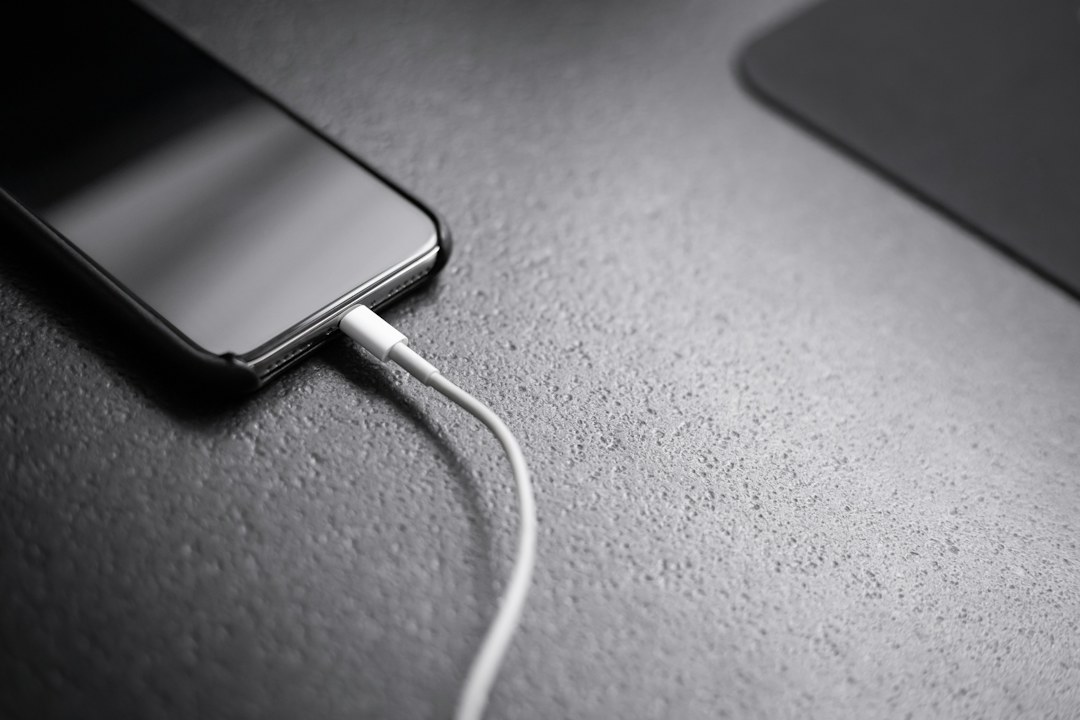
Source and method: EIA: measuring electricity supports the power and energy units. The worksheet, scenarios and purchase-cost comparison are original TechReviewz analysis. All example loads and prices are hypothetical; no device or tariff was measured for this guide. Featured photograph illustrates a charging setup. Report a correction.