Original vs Third-Party Replacement Battery: What Can Change After Repair?
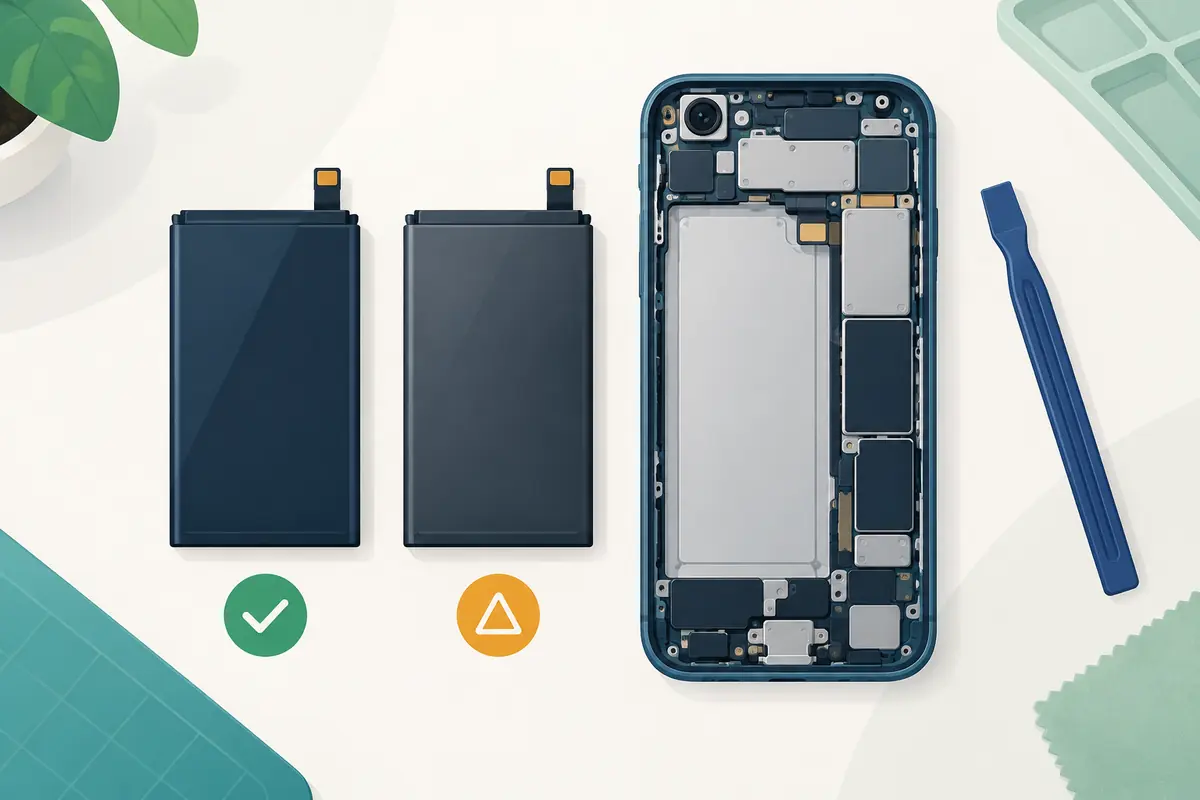
A replacement battery is not defined only by the capacity printed on its label. The part, protection electronics, firmware communication, installation, adhesive, calibration, and warranty all affect what the owner experiences after repair. An original battery installed badly can be unsafe; a well-made third-party battery fitted by a careful technician can work, but its behavior and system reporting may differ.
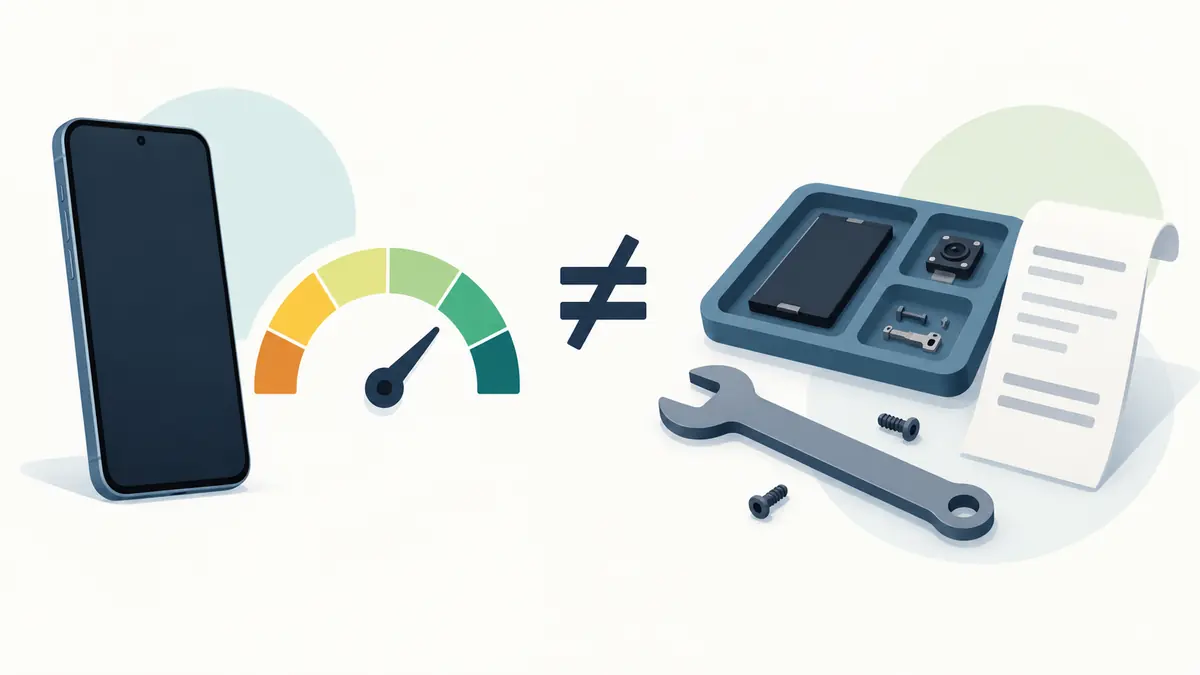
The useful comparison is therefore not “brand logo versus no logo.” It is a chain of evidence: part origin, exact compatibility, manufacturing date, safety documentation, installer process, software response, and a remedy if the repair fails.
What “original” can mean
Sellers use “original” loosely. It may mean a new service part supplied through the phone manufacturer, a reclaimed battery removed from another device, unused old stock, or simply a part carrying copied markings. These are not equivalent.
Ask the repairer to define the term on the invoice. A manufacturer-authorized service channel should be able to identify the part and its warranty. For an independent shop, ask whether the battery is new, who made or supplied it, and whether any electronics were transferred from the old pack.
A reclaimed original pack can be physically genuine yet already aged. A battery begins changing with calendar time as well as cycles. A sealed part that sat in poor storage conditions may not perform like fresh inventory.
What “third-party” covers
Third-party batteries range from products made by established repair suppliers with traceable specifications to anonymous packs whose labels exaggerate capacity. The category is too broad for a single verdict.
A credible supplier states the exact compatible models, nominal voltage, rated capacity, manufacturing or lot information, warranty, and safety or transport compliance. Packaging should protect the cell from bending and puncture. The connector and physical dimensions should match without forcing the pack into the enclosure.
Be skeptical of a battery claiming dramatically more capacity than the original in the same physical volume with no change in chemistry or design. Small improvements may be possible, but an implausible label is not evidence of extra runtime.
System messages and parts history
Modern phones may authenticate or track certain components. After battery replacement, the operating system can display a parts-and-service entry, an unknown-part notice, or limited battery-health information. The behavior depends on model, software version, repair route, and whether required configuration steps were completed.
A notice does not by itself prove that the cell is dangerous, and the absence of a notice does not prove that the battery is genuine. It tells the owner something about recognition or repair configuration. Read the manufacturer’s wording for the exact model rather than relying on a screenshot from another generation.
Before repair, save photographs of battery-health screens and device information. Afterward, check parts history, reported capacity, charging settings, and any service message. Ask the shop to explain the expected display before authorizing the work.
Battery-health reporting can change
The percentage shown as maximum capacity is an estimate produced from measurements and battery-management data. A replacement pack and its electronics may need several normal charge and discharge periods before reporting settles. Some repair combinations may not expose full health information to the operating system.
Do not deliberately run a new lithium-ion battery to zero repeatedly unless the manufacturer or repairer provides a model-specific instruction. “Calibration” is often used to describe different procedures: configuring a genuine part through service software, helping a fuel-gauge estimate settle, or simply testing charge and discharge behavior. Ask which meaning applies.
Judge the result with both reporting and use. Record screen-on time, idle loss, charge rate, temperature, unexpected shutdowns, and performance under a familiar workload. A health screen reading 100 percent cannot excuse swelling, heat, or poor runtime.
Capacity and runtime may not match the label
Nominal capacity is measured under defined conditions. Phone runtime also depends on processor load, signal strength, screen brightness, refresh rate, applications, temperature, and software. Two batteries with the same printed milliamp-hour figure can deliver different usable energy as voltage drops or temperature changes.
Compare a week before repair with a week after, using similar settings and locations. The old battery may cause the phone to shut down before its displayed charge reaches zero; a healthy replacement can improve usable runtime even if its rated capacity is unchanged.
If the new battery drains quickly, check background synchronization and post-repair software activity before blaming the cell. At the same time, do not accept “it needs ten cycles” as an indefinite excuse. A shop should set a reasonable testing and return period.
Peak power and performance
A worn battery can struggle to deliver the power demanded during a processor or radio burst. Phones may shut down unexpectedly or manage performance to remain stable. A suitable replacement can restore power delivery and reduce that behavior when battery condition was the cause.
It cannot upgrade the processor, add memory, repair flash storage, or remove the workload of newer software. If the phone was slow for unrelated reasons, the repair may improve runtime without making every action faster.
Use manufacturer diagnostics where available. If performance remains poor with a healthy battery, investigate free storage, temperature, applications, and software support rather than swapping the battery again.
Charging behavior after replacement
Test wired charging with a compatible known-good adapter and cable. Check wireless charging if the model supports it. The phone may charge quickly at lower levels and reduce power as it fills or warms; that changing rate is normal power management, not proof of a weak battery.
Watch for disconnections when the cable moves, extreme heat, a percentage that jumps, failure to reach a charge limit, or rapid loss after unplugging. A charging-port or board fault may have been mistaken for a battery problem. The repair quote should say whether those systems were tested.
Built-in optimized charging and percentage limits may need time to relearn a schedule. Confirm the settings after any reset or service. A replacement does not require abandoning sensible temperature and charging habits.
Installation quality matters as much as the cell
Phone batteries are thin, high-energy components installed near fragile cables and the display. Bending, puncturing, crushing, or using sharp tools carelessly can create a serious hazard. Adhesive and connector handling vary by model.
A good repair includes inspection for frame damage, safe battery removal, correct adhesive, clean mating surfaces, torque or fastener discipline where specified, and functional testing. If the phone has a sealed design, ask whether the shop replaces enclosure adhesive and performs any pressure or seal test. Do not interpret a reseal as a guarantee against water unless the repair provider gives that warranty in writing.
For self-repair, use the exact manufacturer or program manual, proper tools, eye protection, ventilation, and instructions for discharging the battery to a safer level where specified. Stop if the pack is swollen, hot, hissing, leaking, or damaged. Local rules govern transport and disposal.
Safety evidence and shipping
Lithium batteries are regulated for transport because damage or manufacturing defects can lead to fire. A serious supplier should be able to identify the product and provide appropriate compliance information for its market. A marketplace badge or copied logo is not enough.
Do not install a battery that arrives bent, punctured, wet, swollen, or with damaged insulation. Isolate it from conductive objects and follow local hazardous-waste guidance. Do not mail a damaged battery through an ordinary service without carrier instructions.
After installation, seek help for rapid swelling, excessive heat during light use, unusual odor, smoke, or repeated shutdowns. Power off and move away from combustible material only if it can be done safely; follow emergency guidance appropriate to the situation.
Warranty and future service
Ask who covers the part and labor, for how long, and what test qualifies a claim. Some warranties treat capacity loss as normal until it crosses a threshold. Others cover only a battery that stops functioning. Obtain the terms before repair.
Check whether independent repair affects any remaining manufacturer coverage. Warranty law and manufacturer policy vary by country. A company may need evidence that outside work caused a later fault rather than rejecting unrelated coverage automatically, but the practical claims process can still be difficult.
Keep the invoice with the battery brand or part description, repair date, starting health data, and device identifier. This record helps with a later claim and gives a future buyer an honest repair history.
Price the complete repair
A low advertised battery price may exclude adhesive, diagnostic work, taxes, pickup, or a warranty on labor. Ask whether display damage during opening is the shop’s responsibility. Compare the out-the-door total and expected downtime.
Then look at the phone’s remaining security support, screen and port condition, storage capacity, and resale value. Spending heavily on a battery for an unsupported phone with another major fault may not be sensible. A modest repair on a supported device in good condition can add several useful years.
Our guide to smartphone lifespan explains why the battery, hardware, and software clocks need to be considered together.
Questions to ask the repairer
- Who manufactured or supplied this battery, and is it new?
- What exact capacity and model compatibility are promised?
- Will the phone show a parts message or battery-health information?
- Is manufacturer configuration or calibration included where applicable?
- What other charging and power faults were ruled out?
- Will enclosure adhesive be replaced, and is any seal claim warranted?
- How long are the battery and labor covered, and what is the remedy?
- How will the old battery be stored and recycled?
A shop that answers clearly is more valuable than one that promises “original quality” without a traceable part or written terms.
How to accept the repaired phone
Inspect the screen and frame before leaving. Confirm touch, cameras, microphones, speakers, buttons, wireless connections, biometric unlocking, wired charging, and wireless charging where present. Check that the back or display sits evenly and no new gap has appeared.
Review the battery and parts screens. Note the starting percentage and temperature, then use the phone through a normal day. Do not hide a serious problem under a case and hope it settles. Report defects during the documented return or warranty window.
The practical answer
A manufacturer-supplied battery installed through a supported process usually provides the clearest compatibility, system reporting, and warranty path. It may cost more or be unavailable. A third-party battery can be a reasonable repair when the supplier is traceable, the specification is credible, the installer is competent, and the warranty has a usable remedy.
Neither label guarantees the outcome. Define “original,” reject implausible capacity claims, ask what the phone will report, and test charging, runtime, heat, and stability. The safest value comes from a documented part and careful installation, not from the most confident sticker.
Agree on the repaired device’s acceptance criteria
An iPhone 16 battery-service offer should describe the part, the work and the repairer’s warranty, rather than rely on the word original alone. Ask how the replacement will be identified and which post-repair checks the provider performs. For a repairable phone such as the Fairphone Gen. 6, also confirm the exact part and the route by which it will reach you.
Keep the written description with the invoice and check ordinary charging, temperature behaviour and the functions you use after collection. Any warnings or limitations should be explained before accepting the repair. A different battery percentage by itself does not establish the quality of the work. The decision is whether the delivered repair meets the agreed conditions and provides a clear remedy for an early problem.
| Keep in your decision record | What to write down |
|---|---|
| Part description | Record brand, compatibility and provenance as disclosed. |
| Repair responsibility | Keep labour and part-warranty terms in writing. |
| Acceptance check | Confirm ordinary charging and essential device functions. |
Apply the guide to a real shortlist:
Updated October 10, 2026: added a practical application and decision record. This documentation-based guide uses estimates where stated; individual condition, repair costs and regional support vary.