HP EliteBook 845 G11 Review: A Good Configuration Beats an Attractive Processor Label

The EliteBook 845 G11 is a candidate for buyers who want a business laptop with a documented memory-upgrade path, but the best offer depends heavily on the exact configuration. HP lists two SO-DIMM slots for the 14-inch platform and a range of display options. Those details make a configuration check more valuable than comparing two sales listings by processor name alone.
This is an ownership assessment based on HP’s published specifications. It does not report first-hand battery, display, noise or performance testing. It focuses on how to judge a new, imported or ex-business unit, with particular attention to the costs of correcting a configuration after purchase.
Read the product number before the sales summary
Ask for the complete product number and regional suffix, then match the listing to its specification. The 845 family and the G11 generation are not enough to identify every option. A seller’s phrase such as business screen or premium display may hide a panel that is different from the one you expect.
HP’s platform specification includes different panel choices, including lower-cost and higher-gamut options. The consequence for a buyer is straightforward: do not claim colour suitability or brightness from the family name. Obtain the actual panel specification and, for a used device, inspect the screen you will receive. A better processor cannot fix an unsuitable display.
Memory slots create a choice about timing
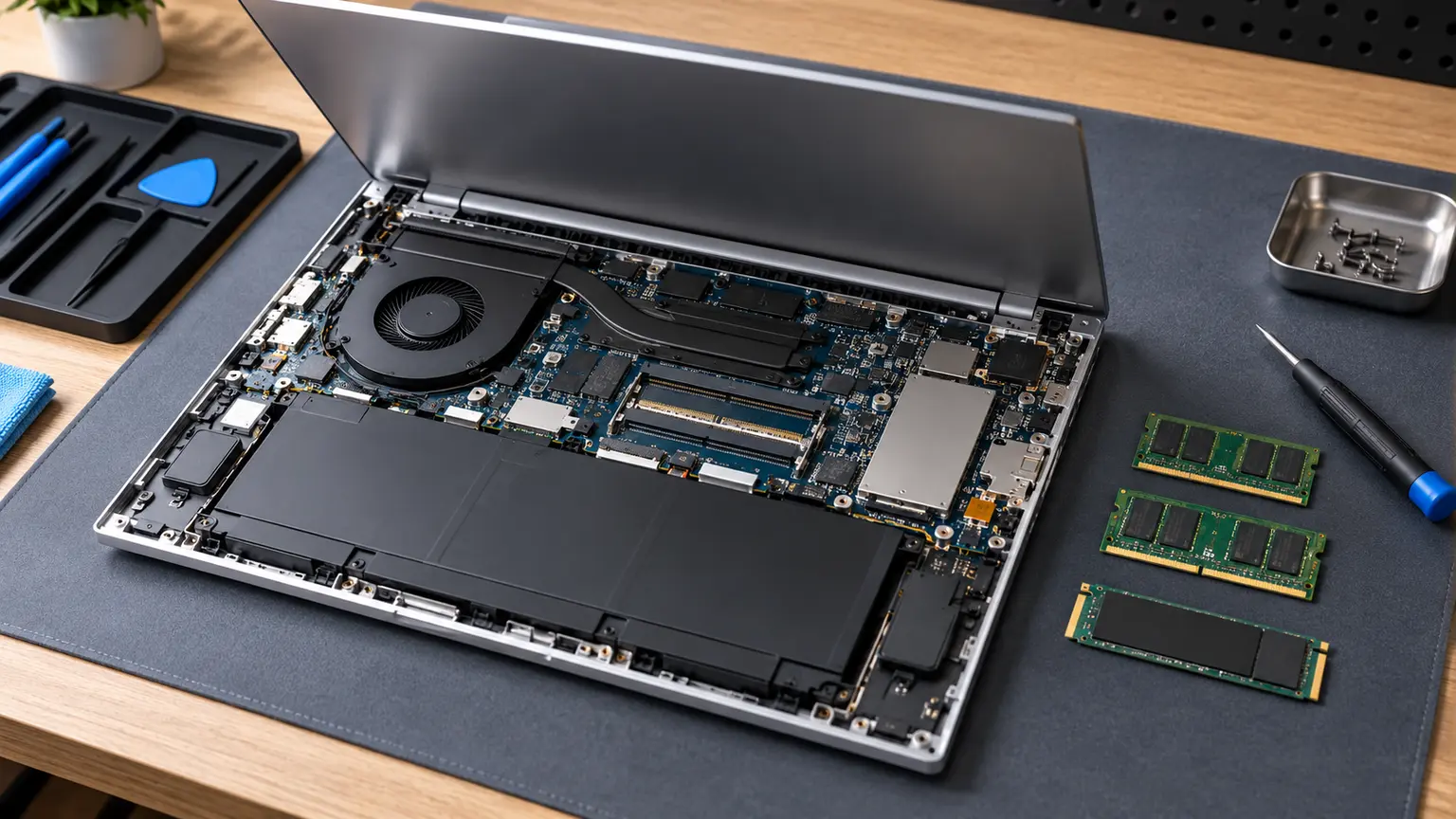
Two slots can make a future memory change practical, but the installed arrangement still matters. Ask whether a 16GB unit contains one 16GB module or two 8GB modules, for example. Those arrangements can lead to different costs when you later want more capacity. Check compatible memory against the exact model documentation instead of treating every DDR5 module as interchangeable.
The point is not to upgrade every laptop immediately. If the current configuration meets your work, keeping the upgrade option available may be more economical than paying for maximum capacity at checkout. If it already falls short, include the change in the entry cost. Either way, the future option should be attached to a real workload rather than to a vague idea of future-proofing.
Business features need a use case
An optional feature has value only when the delivered unit includes it and you can use it. Cellular connectivity, privacy-screen options or a particular docking arrangement should be checked individually. A model family offering an option does not mean a refurbished listing contains it. Do not pay for a feature that exists only in the advertisement for another configuration.
For remote work, also check the exact webcam, microphone behaviour and conferencing software during your return period. The review does not give measured conferencing results, but that is no reason to skip your own acceptance test. An inexpensive unit that fails an essential call setup can be worse value than a less powerful one that completes the work reliably.
| Configuration detail | Question to put to the seller |
|---|---|
| Product number | Which exact model and regional configuration is delivered? |
| Display | What is the panel specification, not just its size? |
| Memory | Which modules occupy the two slots? |
| Optional features | Which are physically present and enabled on this unit? |
| Warranty | Who handles repairs, and does service apply in your region? |
Refurbishment should describe work that was done
Ask what the refurbisher inspected, replaced and warrants. A cosmetic grade does not establish battery endurance, SSD condition or the absence of organisational management. Obtain the inspection evidence and a return period long enough to check your intended software and hardware use. A detailed answer is more useful than a general reassurance that business laptops are durable.
Verify that setup completes normally and that firmware settings needed for maintenance are accessible without an undisclosed password. Then test the display, keyboard, ports and charging with the accessories you expect to use. Look for chassis damage and hinge problems that might affect more than one part. Several small faults can turn a discounted unit into a multi-repair purchase.
The corrected price is the one to compare
Suppose a hypothetical offer costs 480 currency units and needs 100 of work to reach an acceptable battery and memory configuration. Its corrected entry cost is 580, not 480. If a similar unit with better warranty and the right configuration costs 600, the effective saving is only 20. Decide whether that saving adequately compensates you for the remaining uncertainty.
Display correction can be more awkward than a memory change, so it deserves attention before buying. Rather than assuming you can replace a panel cheaply, obtain an exact quote including compatibility, labour and any warranty implications. Often the sensible response is simply to choose the right configuration in the first place. That decision avoids converting a discount into a repair project.
Buy the unit, not the promise around it
The EliteBook 845 G11 is strongest when the exact panel, installed memory, battery condition and service terms fit the job. Its documented upgrade path adds flexibility, but it cannot compensate for missing ownership information. That applies equally to an imported new unit and a local used one.
Set a maximum corrected price before shopping. Include immediate work and required accessories, then compare with a warranted alternative that already meets your needs. If the offered EliteBook remains attractive after that comparison, the business platform has a practical role in your ownership plan rather than merely a reassuring name.