Surface Laptop 7 Snapdragon Review: Check the Workflow Before Buying the Battery-Life Pitch
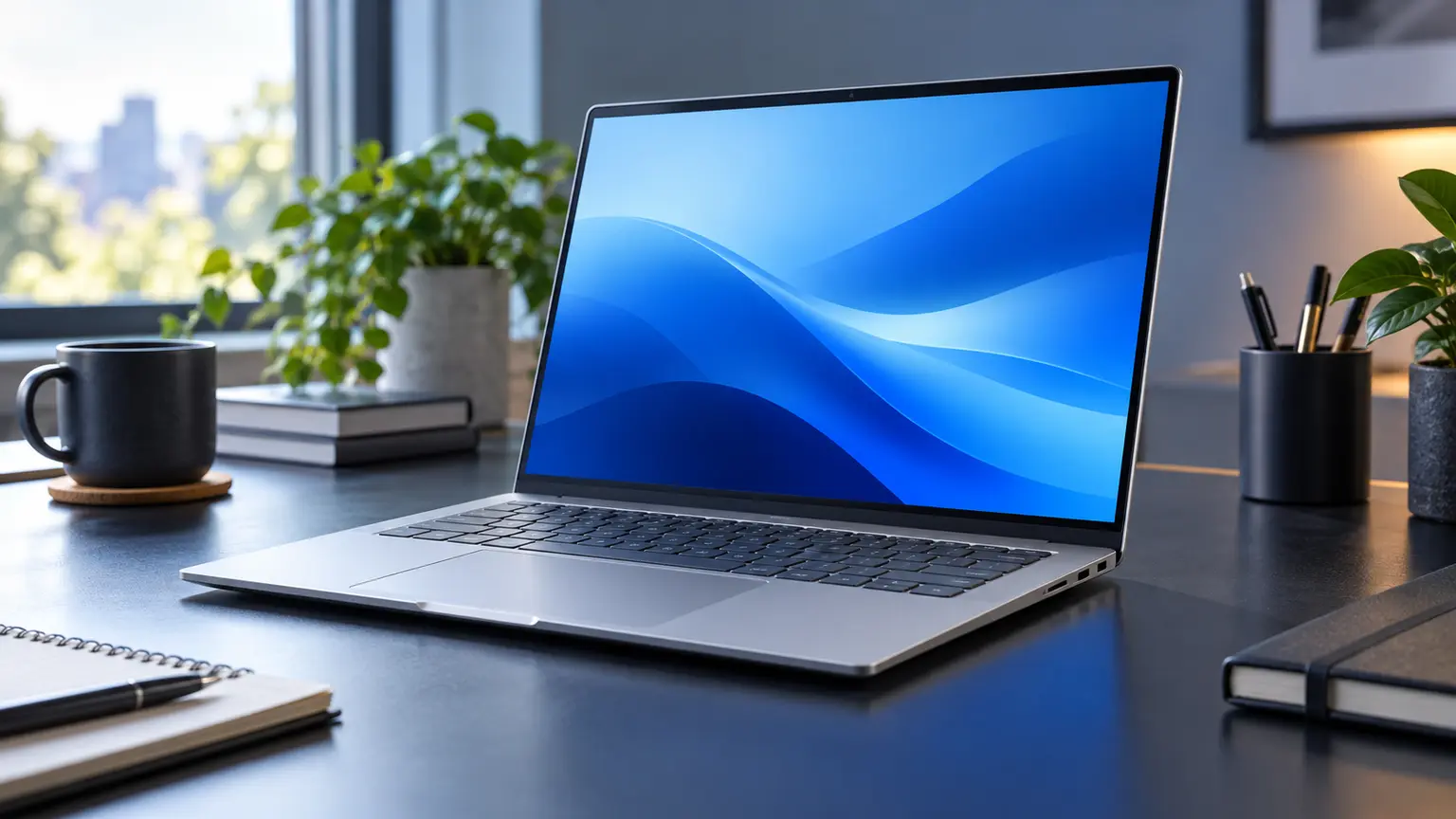
The Snapdragon version of Surface Laptop 7 is worth considering for a buyer whose applications and peripherals work well on Windows on Arm. The largest ownership mistake is to decide from portability or an advertised battery figure and only later discover that an essential driver-dependent tool does not fit the platform. A compatibility check should therefore come before the usual comparison of memory, storage and price.
Microsoft also lists Intel-based Surface Laptop for Business models within the seventh-edition family. This review concerns Snapdragon X Plus and X Elite configurations, not those Intel variants. It uses Microsoft’s model and compatibility guidance and does not report hands-on battery, performance or display testing.
The processor name is a compatibility decision
Windows 11 on Arm can run many applications natively or through x86/x64 emulation, but that does not make every desktop workflow equivalent to an Intel or AMD machine. Microsoft’s guidance distinguishes applications from the drivers on which some software and peripherals depend. Those drivers need appropriate Arm support; emulating an application is not a universal fix for an incompatible driver.
This matters for some specialist printers, scanners, security products, assistive equipment and games with certain anti-cheat systems. Do not assume a problem affects every product in those groups, and do not assume none will be affected. Check the exact software version and peripheral model with its vendor. A compatibility statement about one app does not cover an unrelated plugin or device driver.
Build a workflow inventory rather than a famous-app list
Start with the work you have to finish: document editing, conferencing, accounts, VPN access, scanning, printing, development or media production. For each task, record the application, plugins and connected hardware. Then identify which parts have documented Arm support and which need a trial or confirmation. This captures the small dependency a broad list of popular compatible apps might miss.
An illustrative office workflow might pass browser, email and conferencing checks but remain blocked by a required scanner utility. If scanned documents are a daily requirement, that one unresolved item can decide the purchase. The laptop does not become unsuitable for everyone; it becomes unsuitable for that workflow until the dependency has a working solution.
| Workflow element | Evidence to collect | Decision |
|---|---|---|
| Core application | Native Arm support or supported emulation for the exact version | Verify normal work and file exchange |
| Plugins and extensions | Support from the relevant vendor | Test the dependency, not just the host app |
| Printer, scanner or other hardware | Compatible built-in or vendor Arm driver | Confirm the required functions work |
| Security and remote-work tools | Employer or vendor approval | Resolve before buying a work machine |
| Games | Publisher support for the actual game and anti-cheat system | Keep essential titles in the acceptance test |
Use the return period for the task that could fail
Agree the return terms before purchase and reserve time to test your complete workflow. Update the machine normally, install legitimate software and check actual file handling, printing, scanning and meetings. Testing only whether an application opens is insufficient when the required export or connected device is the important function.
For work equipment, include your organisation’s approval before moving sensitive work onto a new platform. Do not alter security controls to force an incompatible tool to run. A proper supported solution is part of the purchase calculation. If one essential dependency remains unknown, hold the purchase rather than declaring compatibility from a general review.
Repairability also varies with service availability
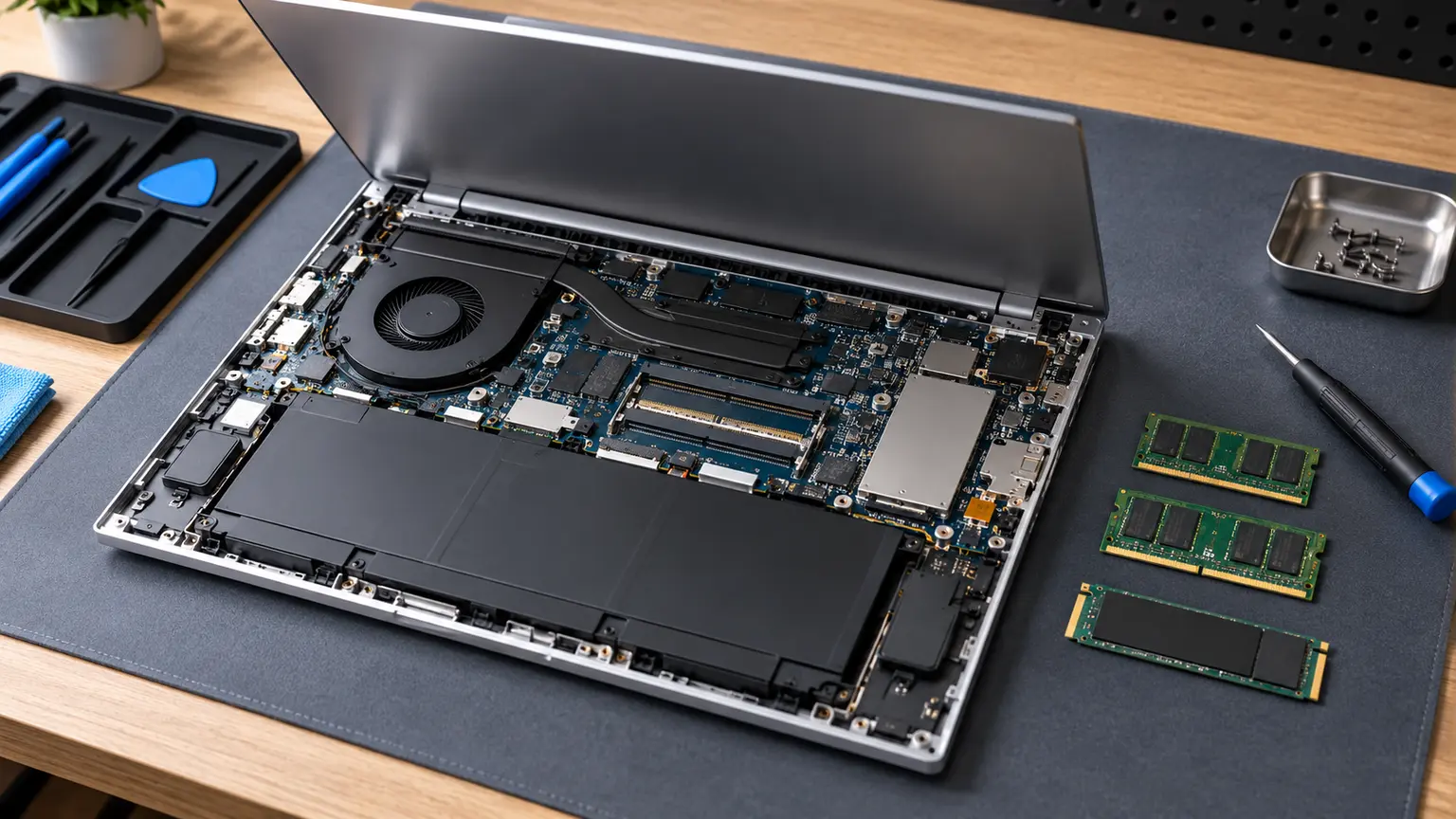
Microsoft describes a more repairable design with components replaceable by authorised providers or skilled technicians, while qualifying availability by product and market. That is useful progress, but it is not a local quote or permission to treat every repair as a beginner task. Price service for the exact model and region.
For a used or imported unit, ask who handles battery and display work, whether required parts are available and how warranty claims are routed. Request legitimate removal of previous account or organisational management restrictions. A clean enclosure does not establish either repair eligibility or ownership status. Those checks remain necessary even if the software compatibility assessment is favourable.
Price compatibility as a real cost
A hypothetical 150-unit discount can vanish if you need a new peripheral, an extra software licence or a second computer for a weekly task. Include those costs beside the machine price instead of hiding them under setup. A workaround that saves money but creates recurring inconvenience should also be described honestly in your decision.
Do the comparison only after the required tasks pass. Then evaluate the exact memory, storage, ports and screen size against alternatives. The absence of measured battery results in this review means you should not use it to predict a runtime advantage. Use documented independent tests with comparable conditions, or assess your own routine during the return period.
A purchase with a clear gate
The Surface Laptop 7 Snapdragon makes sense when every essential workflow dependency is supported, the chosen configuration fits and service is practical. It is a weaker choice when the decision rests on the hope that emulation will fix any incompatibility encountered later. That uncertainty is avoidable in many cases with a careful inventory.
Before buying, mark each essential task as verified, supported but untested, or unresolved. Resolve every item that could prevent the work you must do, then compare the complete setup price. The result is a useful purchase condition: the machine can do your work, at a total cost you accept, with a credible route to maintenance.