ThinkPad T14 Gen 5 AMD Review: The Exact Configuration Is the Product You Are Buying
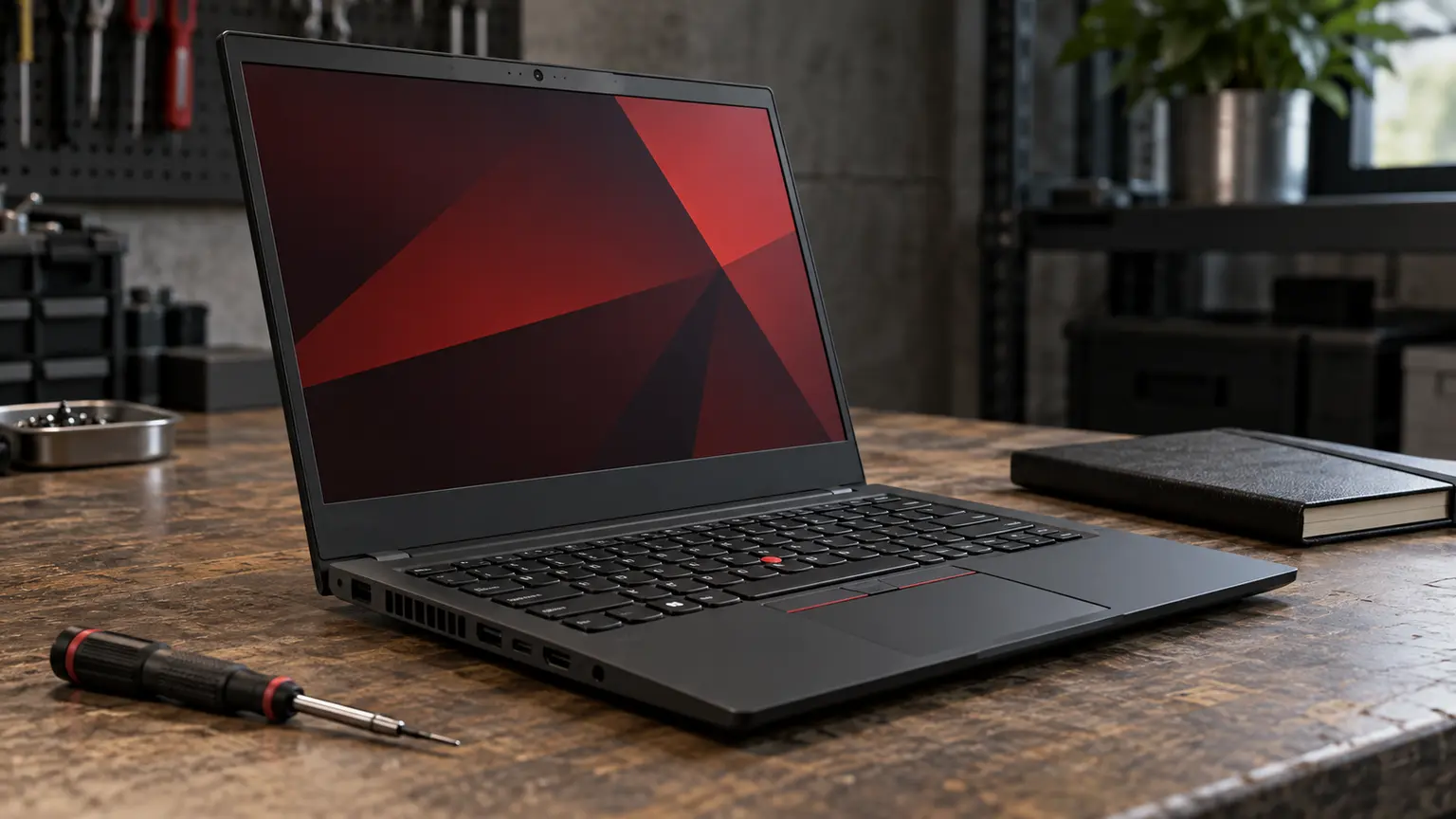
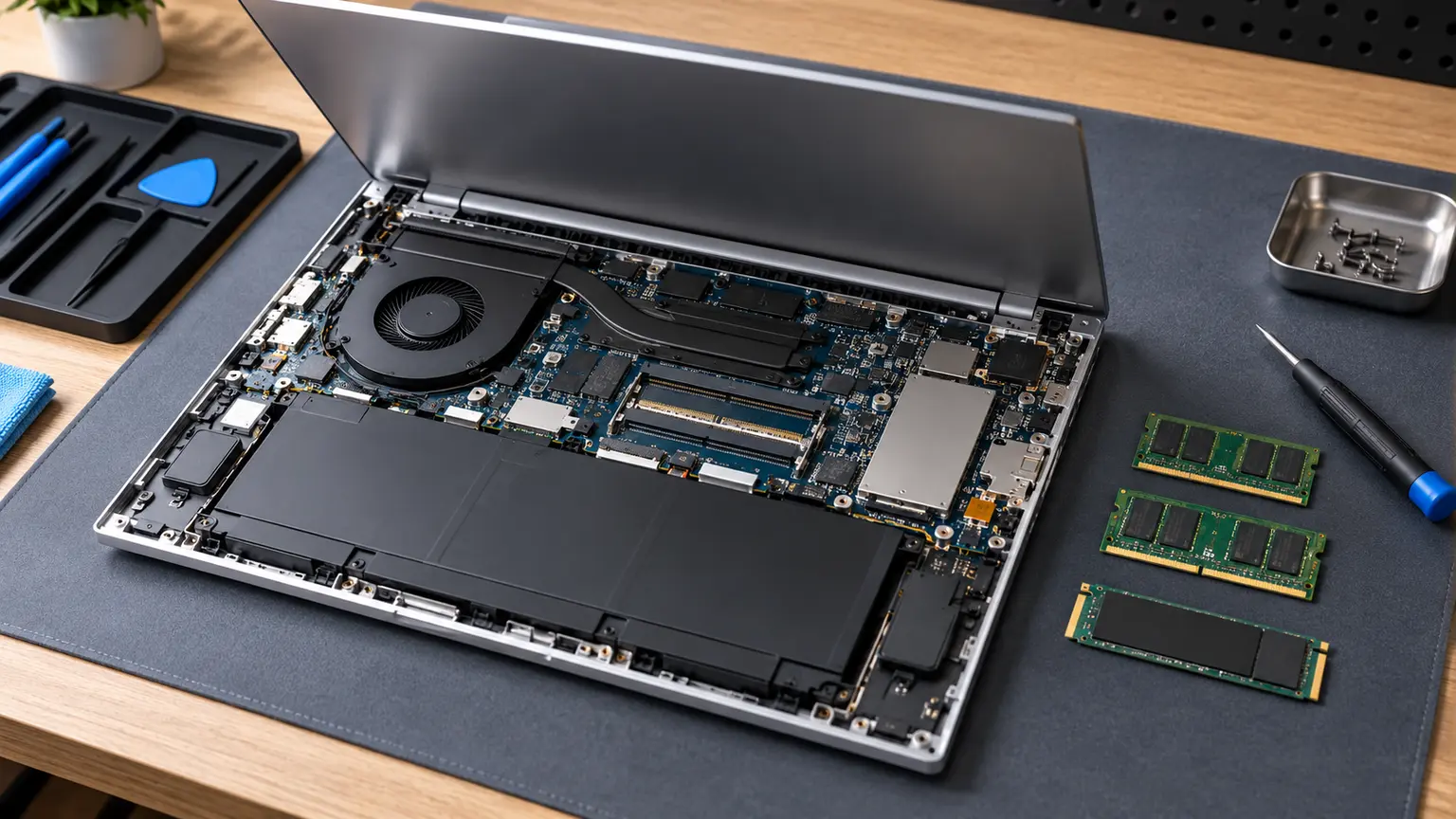
The ThinkPad T14 Gen 5 AMD can be a useful shortlist candidate for a buyer who wants a maintainable business laptop, especially when discounted or sold as used equipment. Lenovo’s published specification identifies two DDR5 SO-DIMM slots and support for up to 64GB of memory. That gives the platform an ownership advantage when memory needs grow, but a T14 family name alone does not establish the display, processor, storage or condition of the unit on offer.
This review assesses the AMD Gen 5 platform using Lenovo’s product specifications and practical buying checks. It does not report measured keyboard feel, battery runtime, heat or benchmark results. The important task is to turn a broad listing into an exact machine whose costs and limitations can be judged.
Two memory slots do not make every upgrade identical
A machine supplied with one module leaves a different upgrade path from one supplied with two smaller modules. Record the installed module arrangement, not just the total capacity. Adding a compatible module may be a smaller expense than replacing a pair, and the arrangement can influence how you plan the first upgrade.
Do not assume that the maximum listed capacity is the amount you need. An ordinary office workload may benefit more from a sound battery, a suitable display and enough SSD space than from the maximum memory configuration. Buy capacity that meets the workload and retain the upgrade path as an option. The ability to install more memory later is useful because it can avoid premature overbuying as well as premature replacement.
The display can change the ownership experience more than the processor
Ask for the exact machine type or configuration identifier and check the corresponding specification. Business-laptop families commonly offer multiple panels, so a listing that says 14-inch Full HD or simply ThinkPad does not settle brightness, resolution, touch behaviour or other panel details. Read the actual configuration rather than transferring the display from a review of another unit.
If you work with images, request the panel information needed for that work. If you work mainly with documents in bright rooms, readability may matter more than a processor step. For a used machine, inspect the actual screen at normal brightness for defects. Replacing an unsuitable panel after purchase can consume a discount you expected to spend on memory or storage.
Gen 5 AMD is not shorthand for every T14
The generation and processor platform must match the researched machine. A seller may shorten several different models to T14, and adjacent generations may share a similar body. Confirm the identity in the system and on the invoice. Also keep the AMD platform distinct from an Intel configuration when checking drivers, parts and service documentation.
Lenovo’s specification lists an M.2 2280 PCIe NVMe storage format for this platform. That is useful for planning storage maintenance, but it does not remove the need to check the installed drive, backup data and use compatible components. A large capacity printed in a listing cannot establish the drive’s condition or performance under your workload.
| Item to record | Why the exact answer matters |
|---|---|
| Machine type and generation | Prevents buying a different T14 platform |
| Processor and installed RAM arrangement | Defines the delivered configuration and upgrade cost |
| Display option | Determines the screen you will use every day |
| Battery condition and replacement quote | Defines mobile usability and likely maintenance |
| SSD identity and health information | Helps judge storage condition beyond capacity |
Inspect an ex-business unit as equipment, not as a brand
Ask whether the laptop has been legitimately removed from its previous organisation’s management and whether any firmware password or other ownership restriction remains. The seller should demonstrate normal setup and the access you need to maintain the machine. Do not accept a promise that a reset will fix an unexplained restriction later.
Check each port you expect to use, the keyboard, webcam, speakers, hinges and charging connection. Request battery information and an SSD-health report, then interpret those alongside normal operation. These are buyer checks, not tests performed for this article. A refurbished label should identify what was inspected or replaced, not substitute for those answers.
Price the machine after the first year of work
Take an illustrative used offer at 420 currency units. If it needs a 70-unit battery and a 60-unit memory change, its planned entry cost becomes 550 before other expenses. A 540-unit offer with the desired configuration and stronger return protection may therefore be more attractive. The figures are hypothetical, but the comparison catches a common problem with ex-business bargains.
Also calculate a shorter ownership scenario in case an unresolved fault appears. You cannot assign a reliable failure probability from a sales description, so use a clear return policy and condition evidence to reduce uncertainty. Cosmetic grading is much less useful than a documented battery, display and management check.
A configuration-led verdict
The T14 Gen 5 AMD has a coherent ownership case for someone who values a memory-upgrade path and can find a suitable exact configuration. It becomes less persuasive if the offer is vague, the display is unsuitable or the machine has unresolved organisational restrictions. Its business branding cannot turn those weaknesses into minor details.
Before buying, build a one-line configuration record and a total that includes the first likely maintenance work. Compare that total with a suitable warranted alternative. If the T14 still offers a meaningful advantage after those adjustments, the discount and upgrade path are working together rather than cancelling each other out.