The Soldered-RAM Tax: How Non-Upgradable Memory Changes a Laptop’s Useful Life
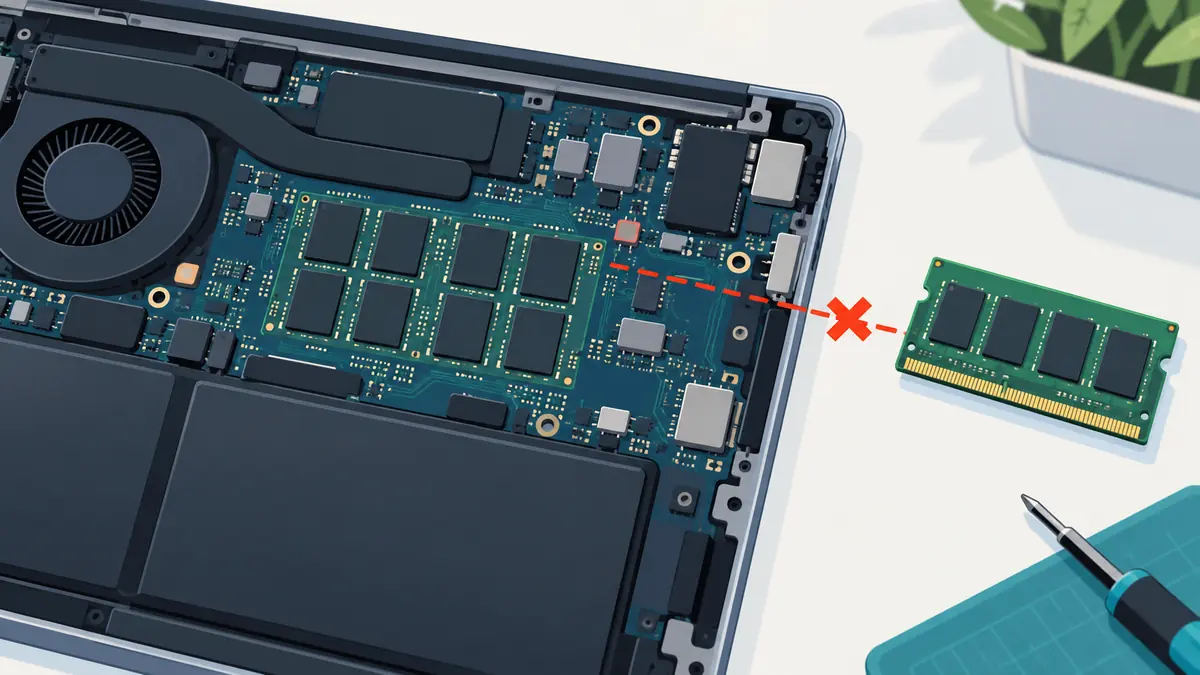
Soldered memory creates a cost that is easy to miss at checkout. The laptop may be thin, fast, and fairly priced today, but the memory capacity chosen now becomes a permanent ceiling. If the workload outgrows it, the usual upgrade is not another module; it is another computer or an uneconomical board replacement.
This is the soldered-RAM tax: the extra money paid upfront for capacity you may need later, plus the risk and waste created when the original choice proves too small. It is not an argument that every laptop needs replaceable memory. It is a method for pricing permanence.
What soldered RAM changes
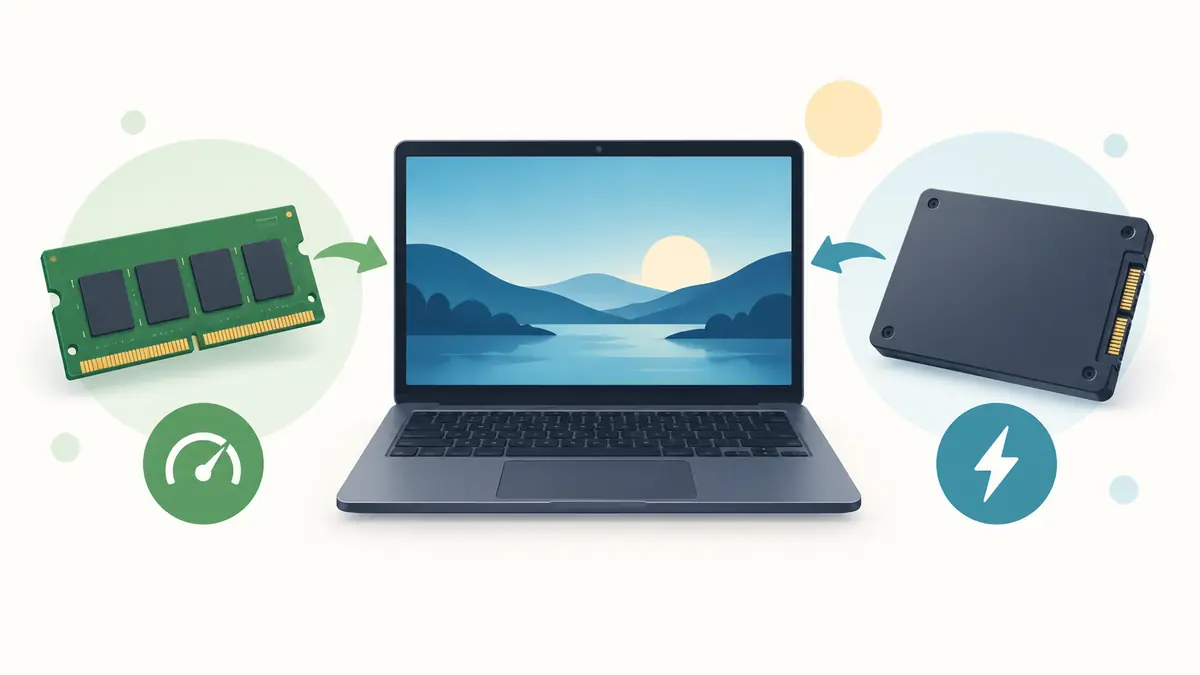
Traditional laptop memory modules fit into sockets and can often be replaced or expanded after purchase. Soldered memory is attached to the system board or integrated in a package that is not a normal service upgrade. Some laptops combine soldered memory with one available slot; others have no socket at all.
The operating system uses RAM as fast working space for active programs and data. When demand exceeds physical memory, the system compresses data, closes background work, or moves information to storage. A fast SSD makes that fallback less painful, but storage remains slower and sustained pressure can make switching and creative workloads feel uneven.
A soldered configuration does not necessarily perform poorly. Modern integrated designs can provide high bandwidth, low power use, and compact boards. The concern is not today’s benchmark. It is whether the fixed amount will serve the intended years.
The first tax: paying early
Manufacturers often charge more for memory at the initial configuration stage than a standard module might cost later. The buyer pays that premium before knowing exactly how software and habits will change.
Paying early can still be rational. If a developer, designer, analyst, or researcher already uses more than the base capacity, the upgrade is required on day one. If the laptop is expected to last six years, extra headroom can protect that investment.
The tax appears when buyers must choose between an inadequate base model and an expensive factory tier because no later upgrade exists. Compare the complete configuration, not the advertised starting price.
The second tax: replacing a working machine
Imagine a laptop whose processor, display, battery, keyboard, and storage remain adequate after four years. New work requires several virtual machines, larger data, or heavier creative applications. If memory is socketed, a compatible upgrade may extend its life. If memory is fixed, the owner may replace the entire machine.
The cost includes the new laptop, migration, accessories, setup time, and the lost remaining value of working hardware. Resale can recover some money, but the next buyer inherits the same ceiling.
This is why a small configuration mistake can become an ownership-lifespan problem rather than a performance setting.
The third tax: board-level failure
Socketed memory can be tested and replaced independently when a module fails. With soldered memory, a fault may require specialized board repair or replacement of the whole logic board. The quote can include processor and storage components that were not defective because they share one assembly.
Board-level technicians can repair some faults, but access, diagnostics, schematics, parts, and economics vary. A consumer should not assume that “soldered” means literally impossible, nor that a microsoldering video proves local repair is affordable.
Ask how the manufacturer and nearby shops handle a memory fault after warranty. The answer belongs in the purchase comparison.
Why manufacturers solder memory
Soldering is not done only to block upgrades. It can reduce space, lower electrical distance, support wide high-speed memory interfaces, improve efficiency, simplify assembly, and enable thinner products. Unified-memory designs can let processors and graphics access a shared pool with high bandwidth.
Those benefits can be real. Replaceable modules also occupy board area, add connectors, and must support a range of user-installed combinations. A laptop optimized for battery life and compactness may reasonably choose integration.
The tradeoff is that engineering convenience and performance move upgrade risk to the buyer. Good design reasons do not erase the ownership cost.
Base capacity is a policy, not just a specification
When memory cannot be expanded, the base configuration signals how much useful life the manufacturer expects buyers to accept at the lowest advertised price. Eight gigabytes can handle light tasks on an efficient system, but the same figure may be tight for years of browser growth, collaboration tools, local development, or creative work.
Do not choose capacity from a generic chart alone. Measure a representative day on the current computer. Open the browser tabs, call software, editor, data, and background tools normally used. Review memory pressure, swapping, and application behavior.
Then add headroom for the ownership period. The goal is not to keep all RAM permanently empty; operating systems use available memory productively. The concern is persistent pressure and workload that already reaches the limit.
How much headroom is enough?
Start with the current peak under real work, not idle use. Add known changes such as higher-resolution media, larger projects, virtual machines, local AI models, gaming requirements, or a move to software with a higher minimum.
For a short two-year purchase, modest headroom may be adequate. For a five-to-seven-year laptop, capacity should survive more uncertainty. The longer the planned use and the less replaceable the hardware, the more valuable headroom becomes.
Avoid turning uncertainty into “buy the maximum.” Extra memory that will never be used has a real price. Compare the next tier’s cost with the probability and consequence of outgrowing the base.
A break-even way to choose
Suppose the 16 GB model costs $200 more than the 8 GB model. If insufficient memory would force replacement two years earlier, the extra $200 may be cheap insurance. If the laptop is a secondary device used for writing and streaming for only two years, the upgrade may never return value.
Create two scenarios:
- Base capacity remains sufficient: cost is the lower purchase price.
- Base capacity becomes limiting: cost includes early resale, replacement, migration, and lost useful life.
Estimate conservatively rather than inventing exact probabilities. Ask which outcome would hurt more and whether a socketed alternative offers similar quality.
Storage swapping is not a free substitute
Fast SSDs allow modern systems to move inactive memory pages quickly. This can make a small-memory computer feel surprisingly capable in short demonstrations. It does not eliminate limits.
Repeated swapping consumes storage bandwidth and can cause pauses when an inactive application becomes active. It competes with file operations and gives the system less margin under sustained workloads. Solid-state storage handles ordinary writes well, but using storage as overflow does not create physical RAM.
Review measured memory pressure and swap behavior during the exact applications you plan to run. Do not infer long-term suitability from a clean laptop with one browser window.
Integrated graphics share the pool
Many laptops use system memory for graphics. That can make nominal capacity misleading because the processor, graphics, and applications draw from the same pool. High-resolution displays, games, 3D applications, and media work can increase demand.
Unified architectures may use the shared pool efficiently and avoid copying data between separate memories. Efficiency is not infinity. Large graphics and compute workloads still need capacity.
Compare tests of the exact configuration and workload. A result from a higher-memory model may not describe the base version under sustained use.
Virtual machines and local AI expose the ceiling
A virtual machine reserves memory for another operating environment. Containers, development tools, emulators, and databases can add more. A configuration comfortable for office work can become restrictive quickly.
Local AI tools also vary widely. Some small models run within modest capacity, while larger models require much more and may share memory with graphics. Do not buy on the assumption that a vague “AI capable” label predicts the tools you will use in four years.
If these workloads are likely, favor measurable headroom or replaceable memory. Cloud alternatives shift computation elsewhere but add network dependency, privacy questions, and recurring cost.
The mixed design deserves attention
Some laptops combine fixed onboard memory with an open socket. This can offer compact design and later expansion, but the details matter. Maximum supported capacity, channel behavior, module type, and access procedure differ.
A mismatched addition may change performance characteristics even when total capacity increases. Follow the exact service documentation. Price the future compatible module while it is common, and consider buying it early if the standard is already aging.
Do not assume an empty-looking space is a memory socket. Verify the board and configuration by model number.
Repairability and warranty questions
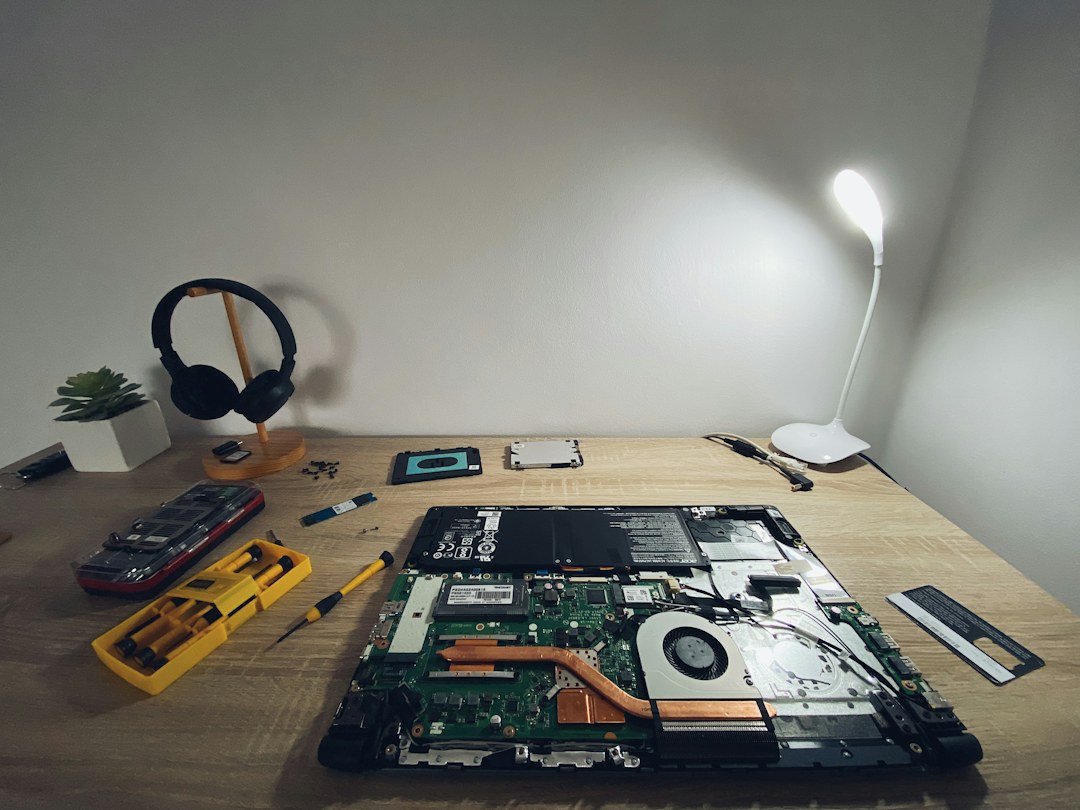
Before buying, find the service manual or internal layout. Ask whether memory is socketed, soldered, or mixed. Check whether opening the bottom cover affects warranty service under local terms and whether the manufacturer sells parts to consumers or independent repairers.
For soldered designs, obtain an out-of-warranty board-replacement price if possible. Ask whether storage is also soldered to that board and how data recovery is handled after failure. A board replacement can return a working laptop with no access to the old encrypted data.
Backups matter on every device, but integrated components make the cost of missing backups especially visible.
Compare the whole laptop
A replaceable-memory laptop is not automatically the better purchase. It may have a poor display, short support, weak battery, loud cooling, bad keyboard, or unavailable parts. An integrated model can provide excellent efficiency, performance, and service.
Use upgradeability as one weighted factor. Compare capacity at purchase, performance, battery, storage, port needs, display, repair access, warranty, operating-system support, and total cost. The right answer can still be soldered memory—chosen with eyes open and enough capacity.
For an existing slow laptop, use our RAM-versus-SSD diagnostic guide before ordering a part.
Reduce the tax after purchase
If you already own a fixed-memory laptop, reduce unnecessary background software, limit browser extensions, choose lighter tools where they meet the job, and avoid running duplicate synchronization or security products. Restarting before a critical workload can clear leaks, but it is not a capacity upgrade.
Keep adequate free storage for swapping and updates. Monitor pressure rather than obsessing over used memory. When the machine no longer meets the role, consider resale while it remains supportable instead of waiting until its value and app compatibility collapse.
A server, cloud workstation, or desktop can handle occasional heavy work, but include its recurring cost and connectivity requirements before calling it a saving.
A buying checklist
- Is memory replaceable, fixed, or mixed?
- What does the current real workload use at peak?
- What workloads are likely during the planned ownership period?
- Does integrated graphics share this capacity?
- How much does the next factory tier cost?
- What socketed alternatives provide comparable quality?
- What happens and what does it cost if memory fails?
- Will early replacement erase the apparent saving?
Record the configuration for resale
Keep the original order summary and a screenshot of system information. Fixed-memory versions can look identical from outside, and future buyers need proof of capacity. Accurate documentation supports a fair price and prevents a base model from being mistaken for a higher tier.
The practical answer
Soldered RAM charges for certainty at purchase and for inflexibility later. The design may deliver speed, efficiency, and a thin chassis, but the selected capacity becomes part of the laptop’s useful-life limit.
Measure current demand, add headroom proportional to how long you will keep the laptop, and compare the upgrade premium with the cost of replacing a working machine early. The soldered-RAM tax is lowest when capacity is chosen deliberately—and highest when the starting price hides a permanent ceiling.
Compare a fixed choice with a documented upgrade route
The MacBook Air M4 and ThinkPad T14 Gen 5 AMD show why memory flexibility belongs in an ownership comparison. On the Air, the memory choice is made at purchase. Lenovo documents two SO-DIMM slots for the T14 Gen 5 AMD, but the installed modules still determine the practical cost of a later change. Neither arrangement is automatically best for every buyer.
Estimate capacity from your real concurrent work, then price the complete acceptable configuration. A cheaper unit that already needs a memory correction should be compared at its corrected price. For fixed-memory hardware, decide whether the selected capacity covers plausible changes in your work; for a slotted system, verify compatible parts and installation terms before counting a future upgrade as an advantage.
| Keep in your decision record | What to write down |
|---|---|
| Current workload | List the applications used together, not just one at a time. |
| Delivered memory | Record capacity and, where relevant, module arrangement. |
| Future correction | Price the change or choose sufficient capacity at purchase. |
Apply the guide to a real shortlist:
Updated October 10, 2026: added a practical application and decision record. This documentation-based guide uses estimates where stated; individual condition, repair costs and regional support vary.